 Live
Varkuna Connect
Manage SSH and Telnet sessions, FTP/FTPS/SFTP file transfers and saved connections in one application.
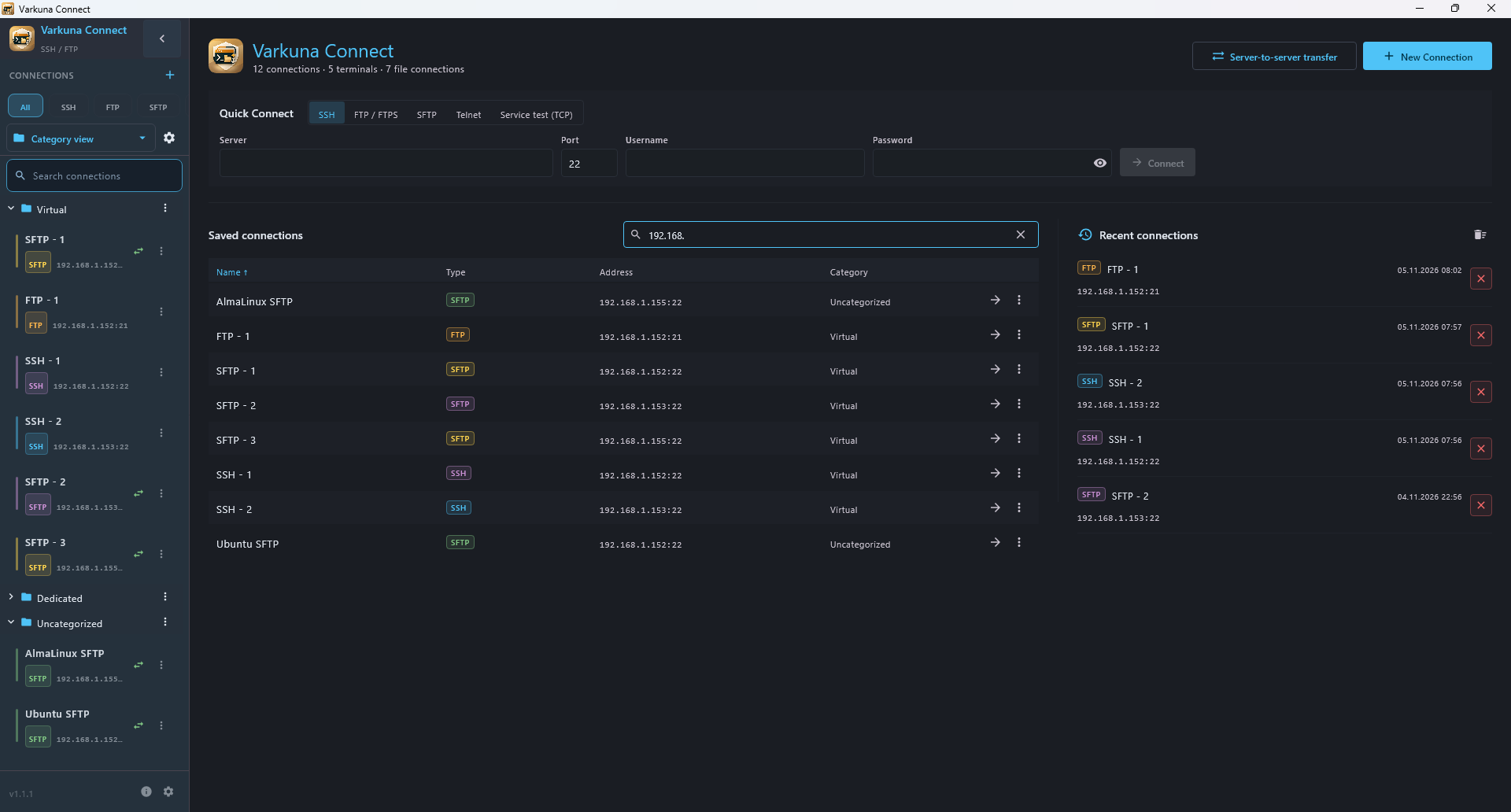
Connections, commands and files in one workspace.
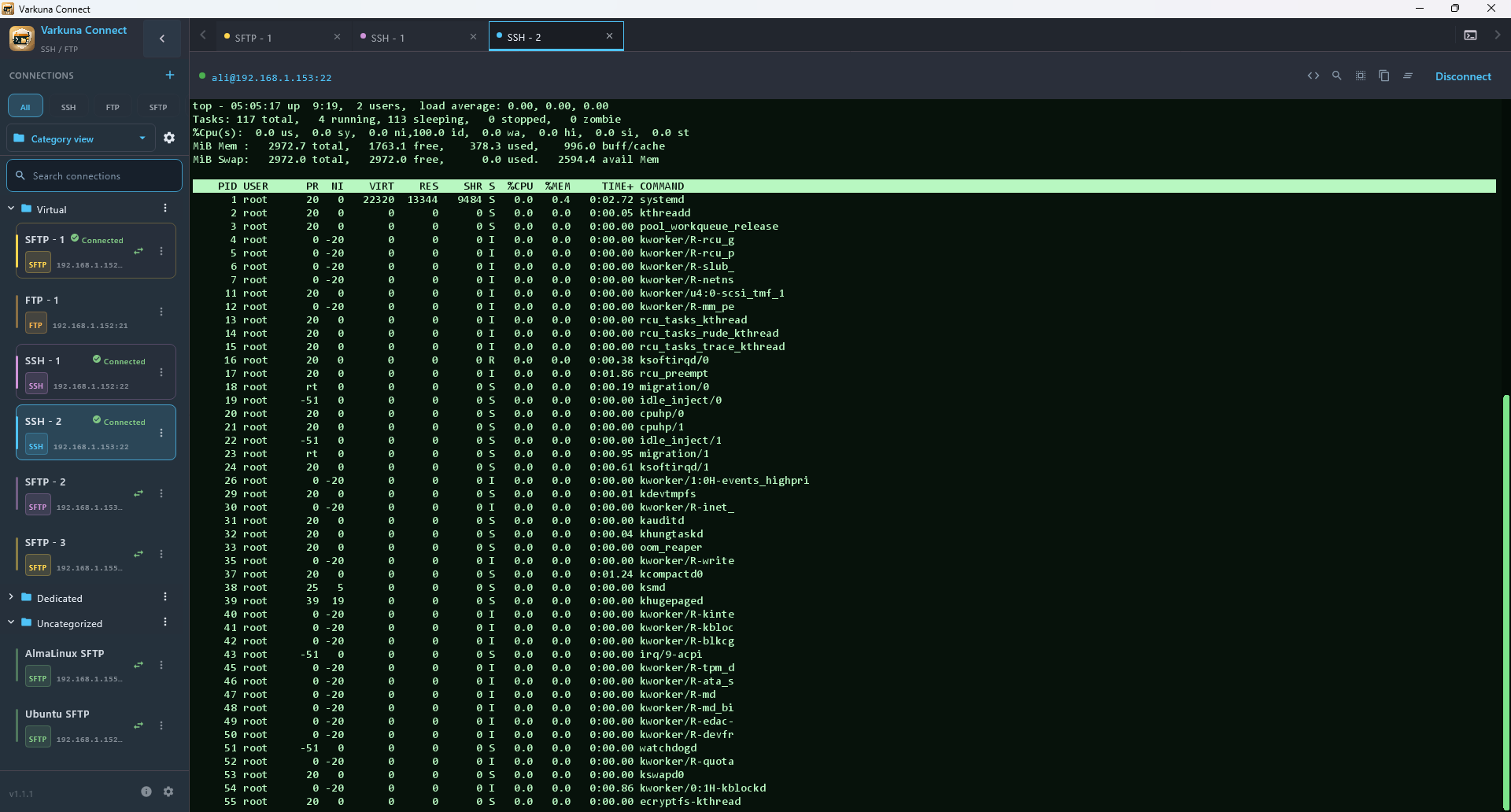
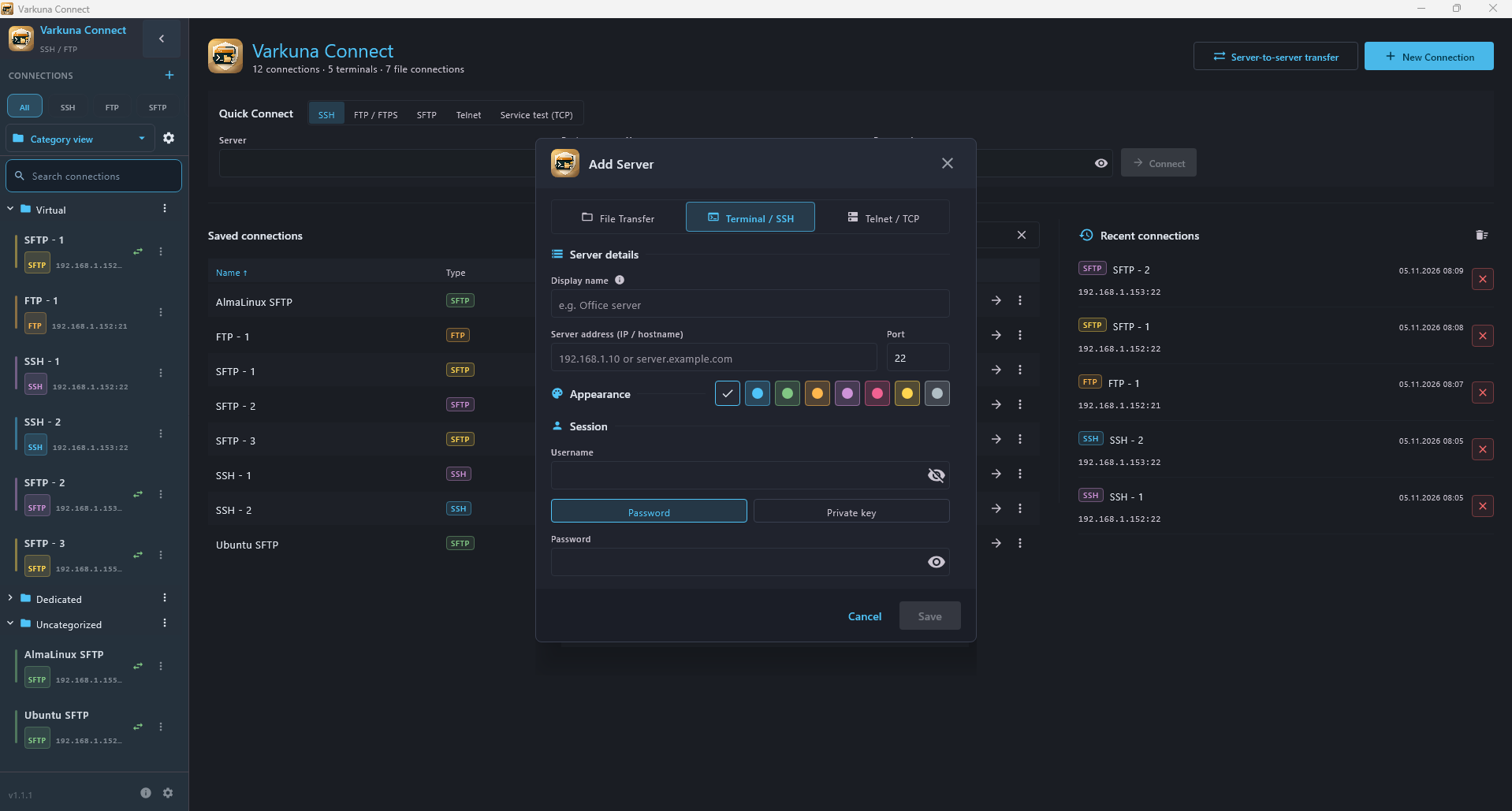
SSH and Telnet
Open terminal sessions in tabs and switch between connections.
FTP, FTPS and SFTP
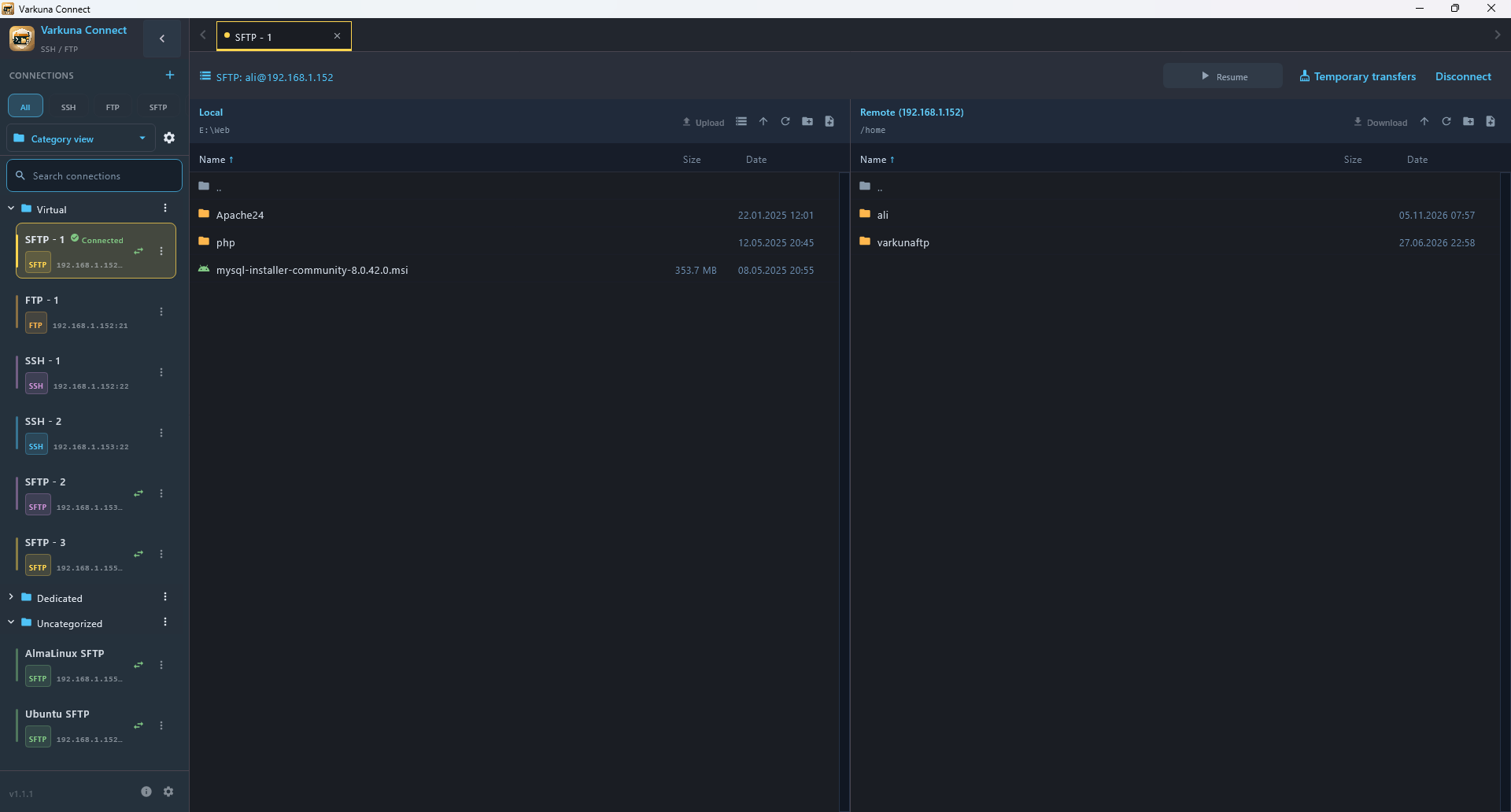
Manage local and remote files, and upload or download files and folders.
Categories and tags
Organize connections into categories and subcategories, add tags and search. Open a group of SSH connections together.
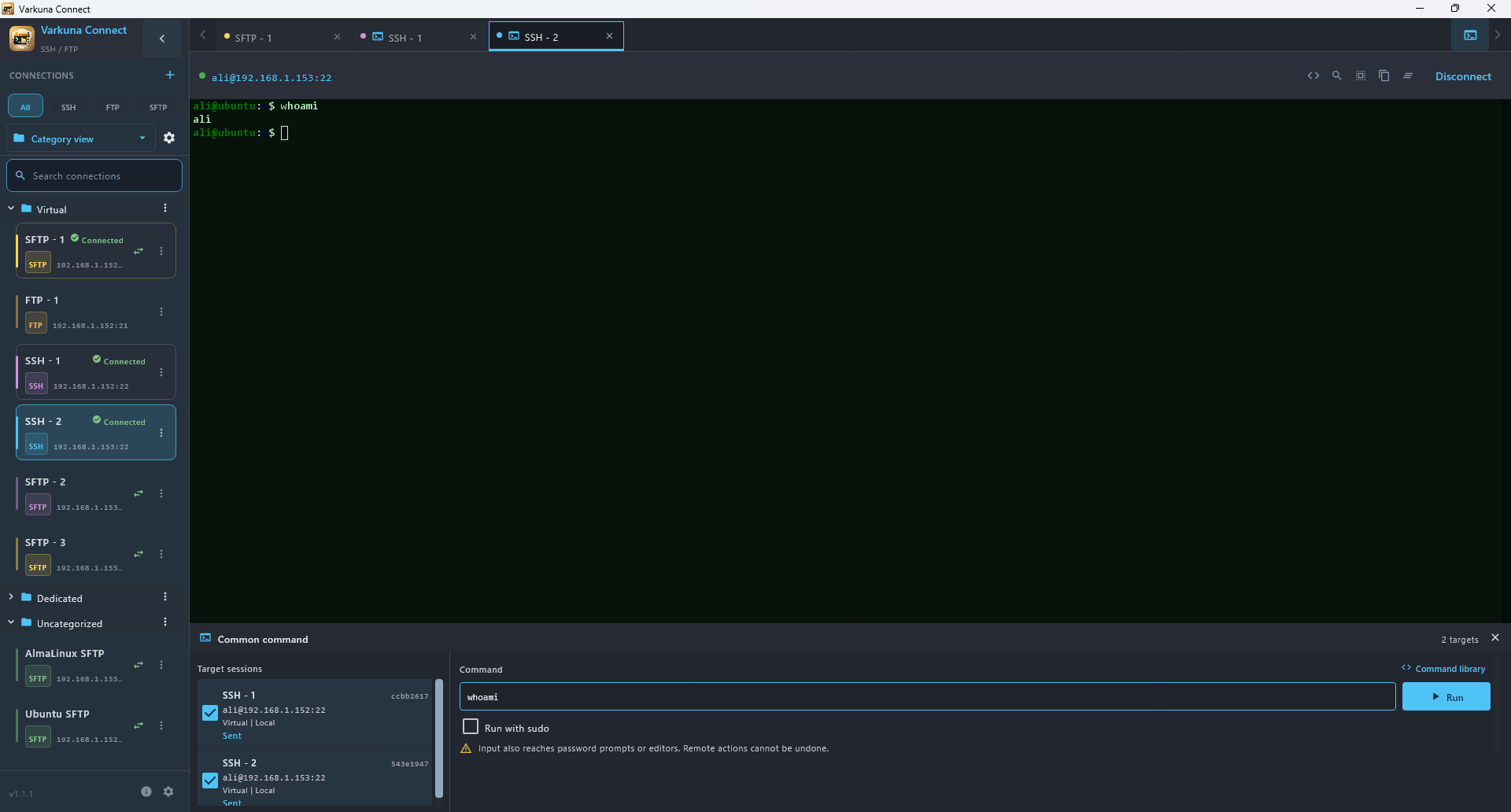
Common SSH commands
Select target SSH sessions, review the command and send it to those sessions. Track delivery status for each target.
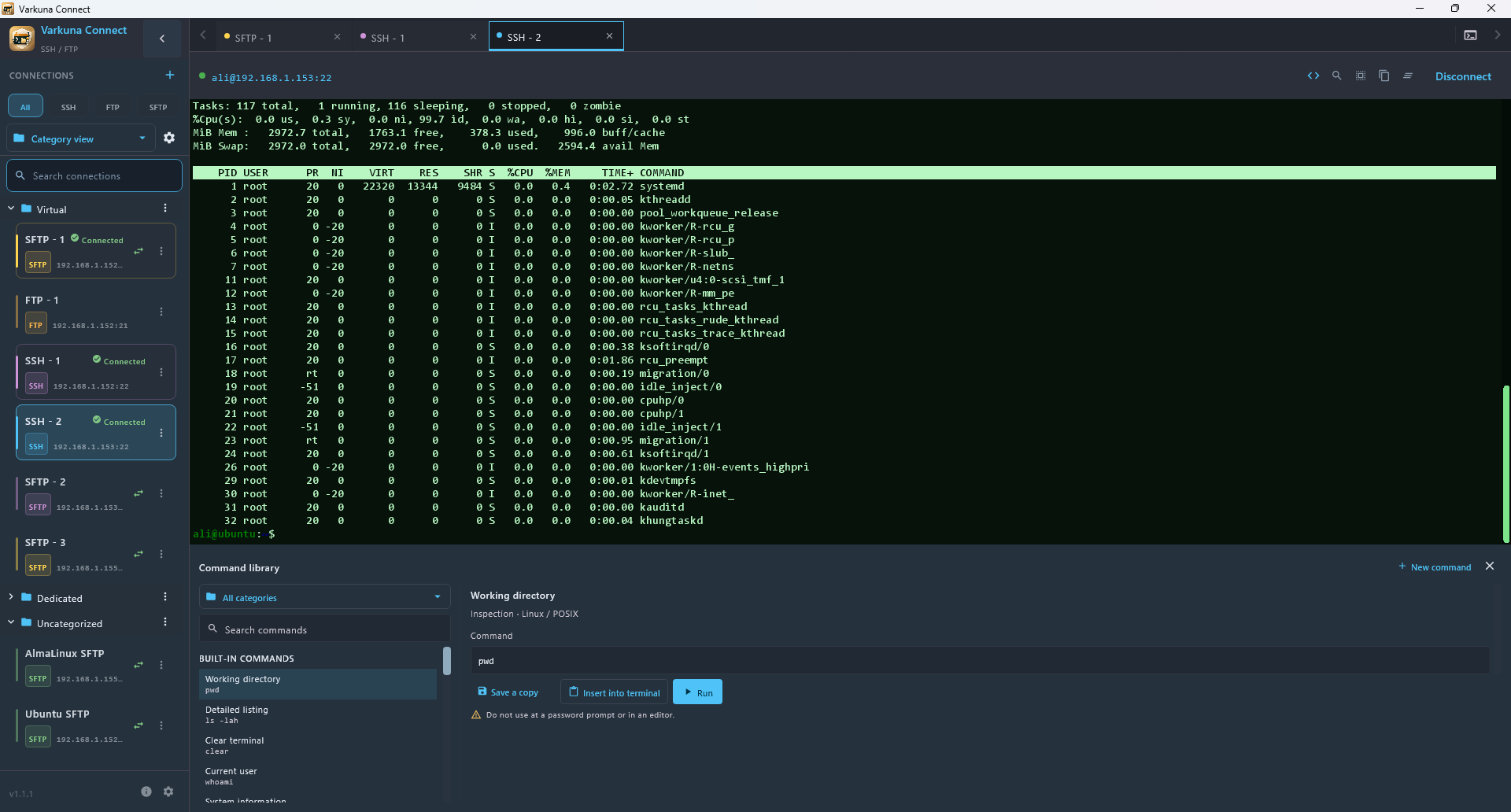
Command library
Use categorized commands or save your own templates with variable fields. Inserting a command into the terminal and running it are separate actions.
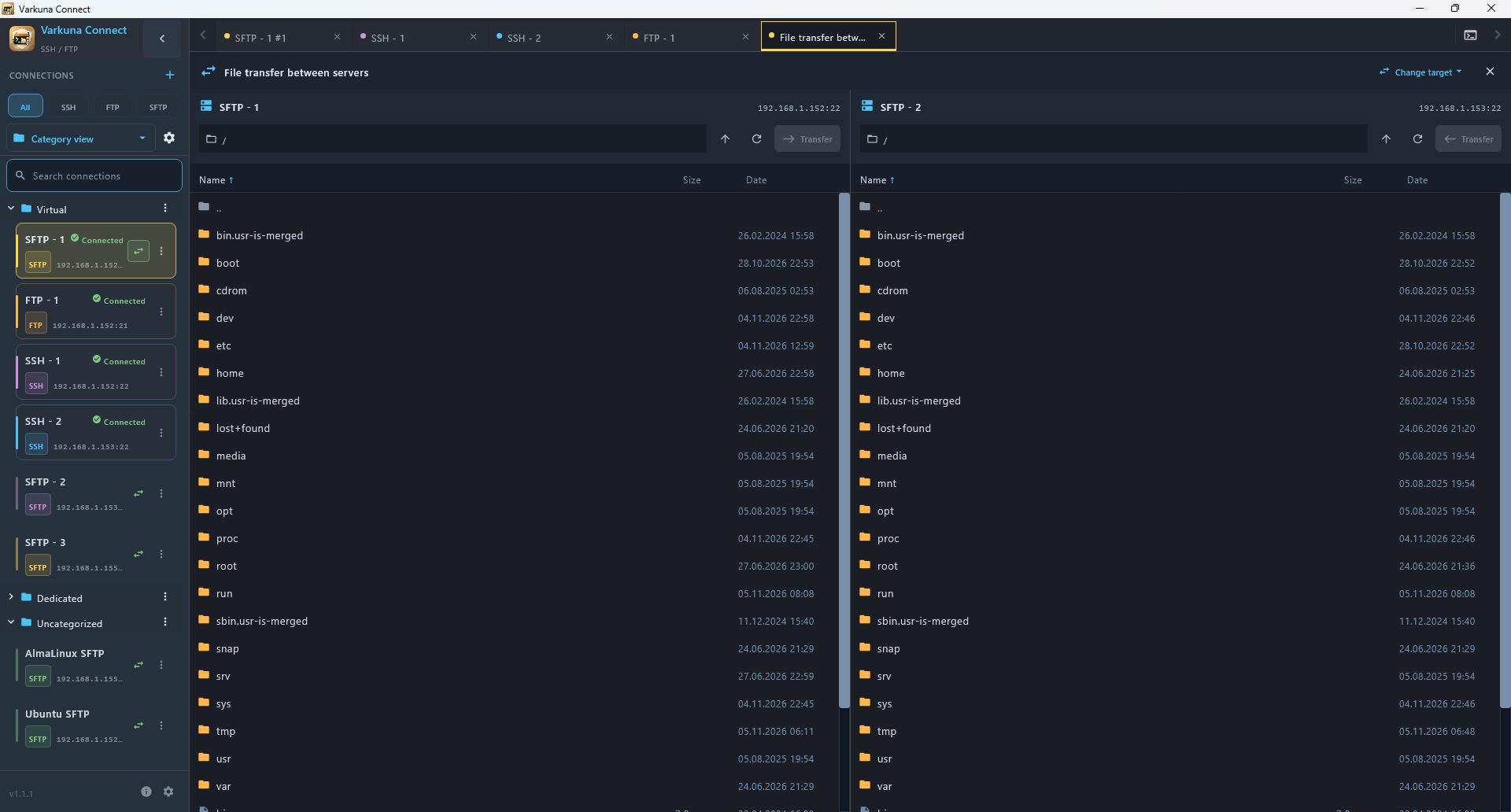
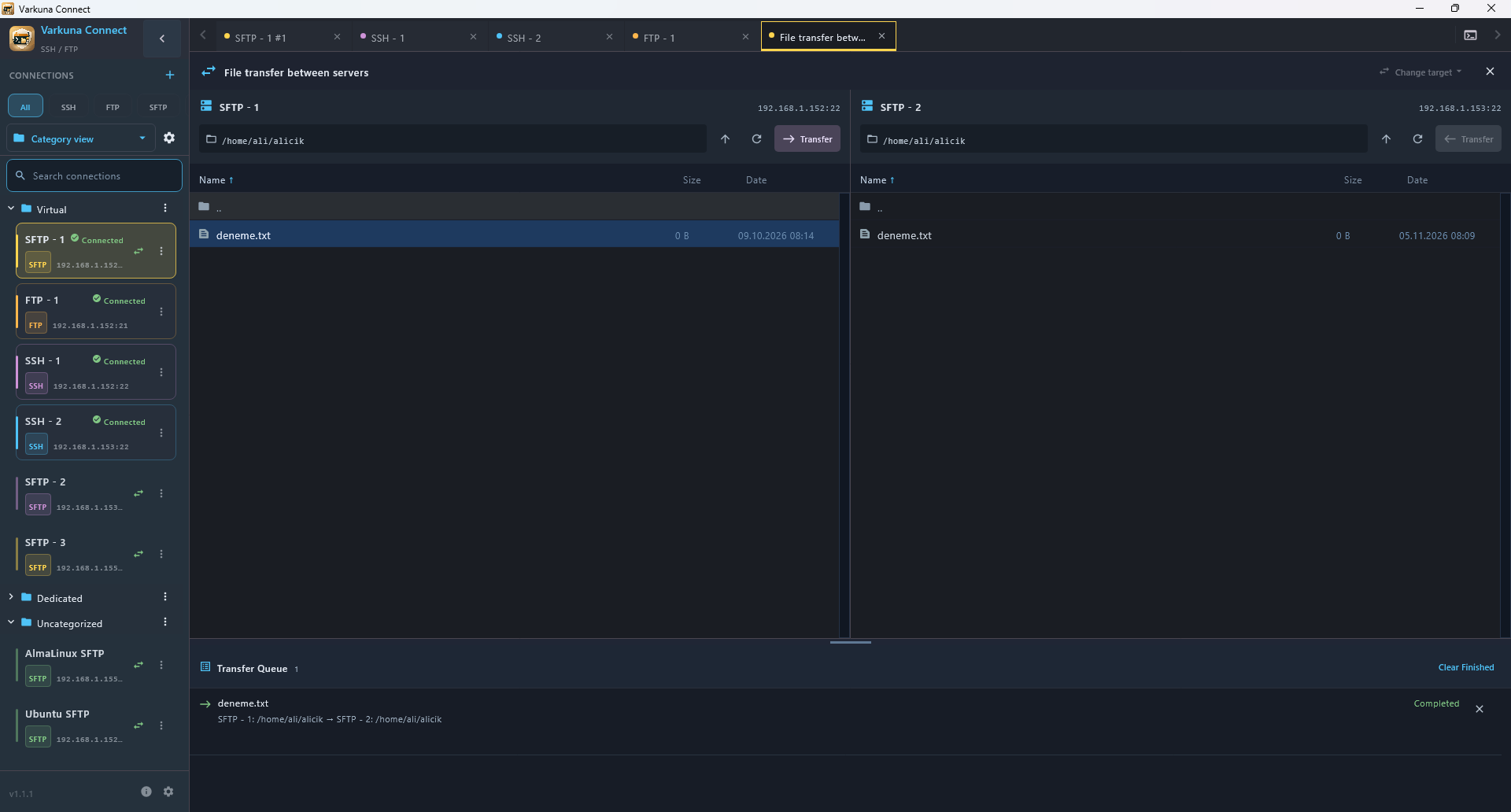
Transfers between SFTP servers
Browse two remote servers side by side and copy files or folders between them. Transfers pass through the computer running Connect.
Transfer queue
Track waiting and completed jobs, pause or resume the queue, prioritize waiting items, retry failed transfers and handle file conflicts.
TCP service testing
Test text-based services such as SMTP and POP3 without Telnet negotiation. This mode does not provide encryption or automatic login.
Work without opening separate tools.
Switch between terminal sessions and file transfers without changing applications.
Views from the Varkuna Connect interface.