Varkuna Connect user guide
A step-by-step guide to managing terminal sessions, file transfers and saved connections in one Windows and Linux desktop workspace.
Open the product page or get the current version before following the guide.
Choose the correct connection type
Selecting a protocol supported by your server prevents many connection and security problems.
For encrypted remote terminal sessions and the recommended terminal choice on most servers.
Provides terminal access but does not encrypt traffic. Use only on trusted networks and required legacy systems.
For file transfer. FTPS protects the FTP connection with TLS.
Secure file transfer over SSH; it is not the same protocol as FTP or FTPS.
Use SSH whenever the server supports it to protect usernames, passwords and session data.
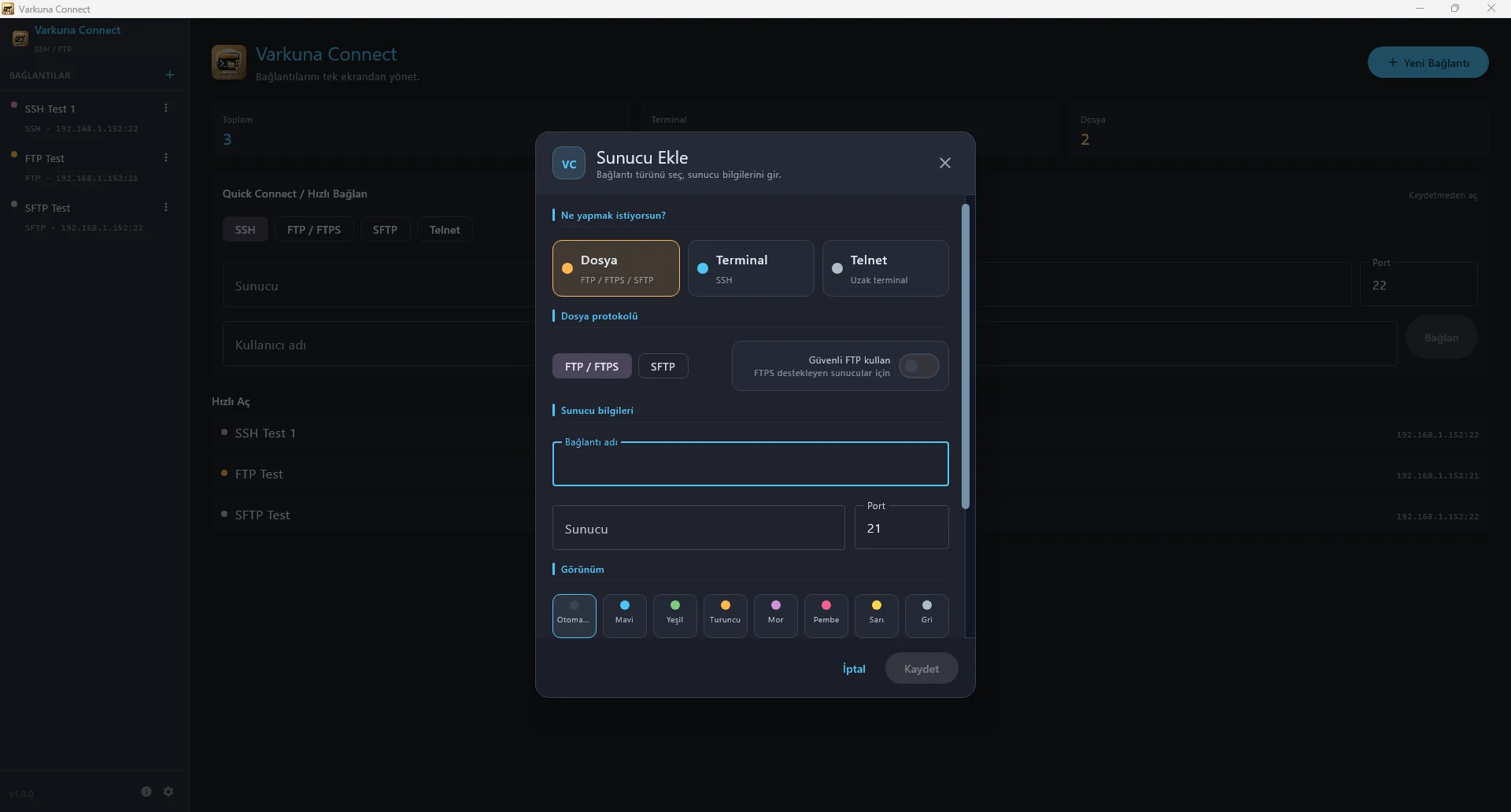
Create a saved profile or Quick Connect session
-
Step 1
Select a connection type
Open SSH, Telnet, FTP/FTPS or SFTP on the New Connection screen.
-
Step 2
Enter the server details
Fill in a profile name, address, port and user; then choose a password or key when the protocol requires it.
-
Step 3
Save or connect once
Save regular connections. Use Quick Connect on the home screen for a one-time session.
-
Step 4
Verify the first connection
Review the SSH host key or FTPS certificate before opening the session.
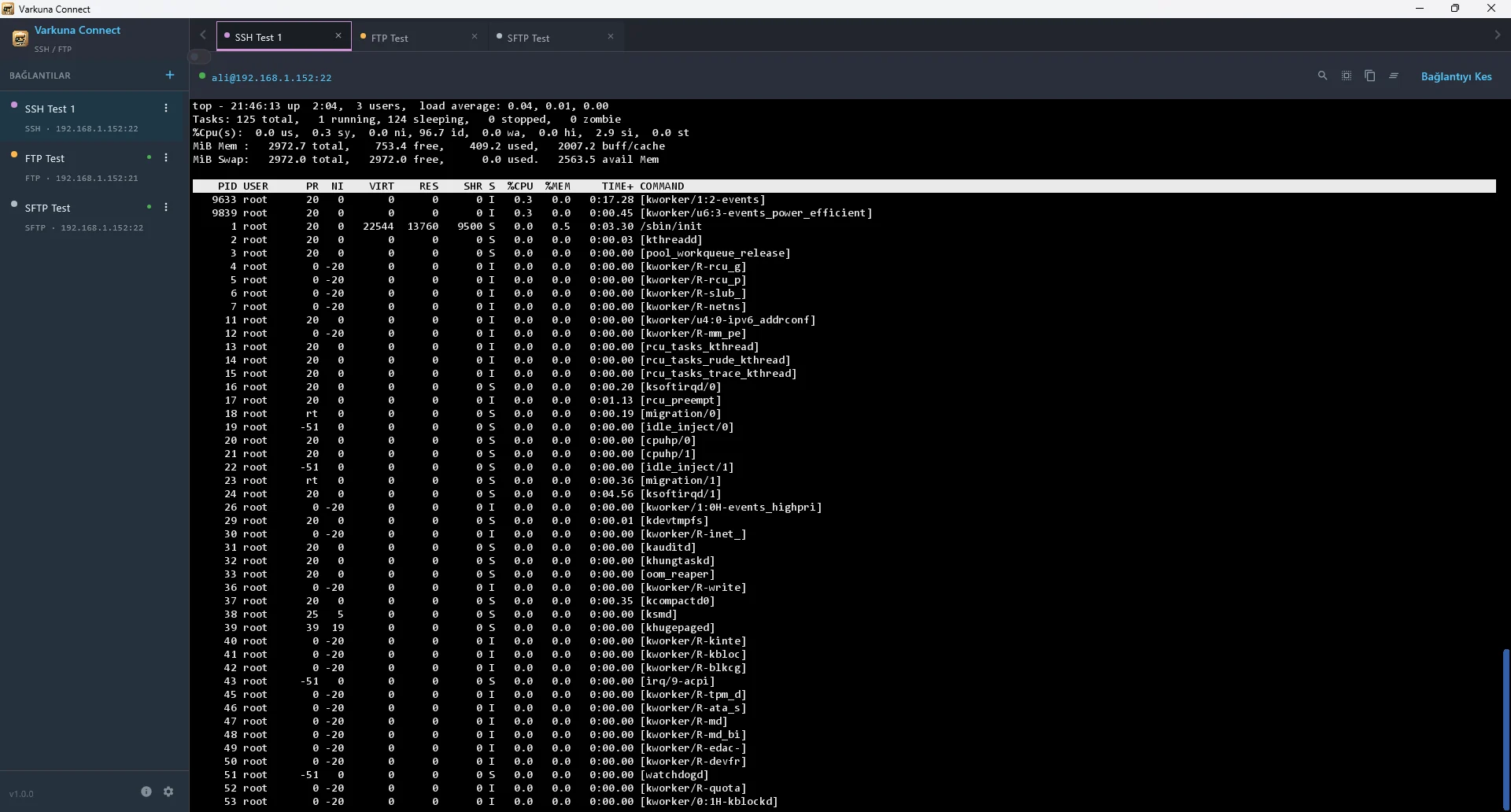
Manage SSH and Telnet sessions in tabs
Keep multiple terminal sessions open in separate tabs and switch quickly between saved profiles.
Use a separate tab for each server and verify the active server before sending a command.
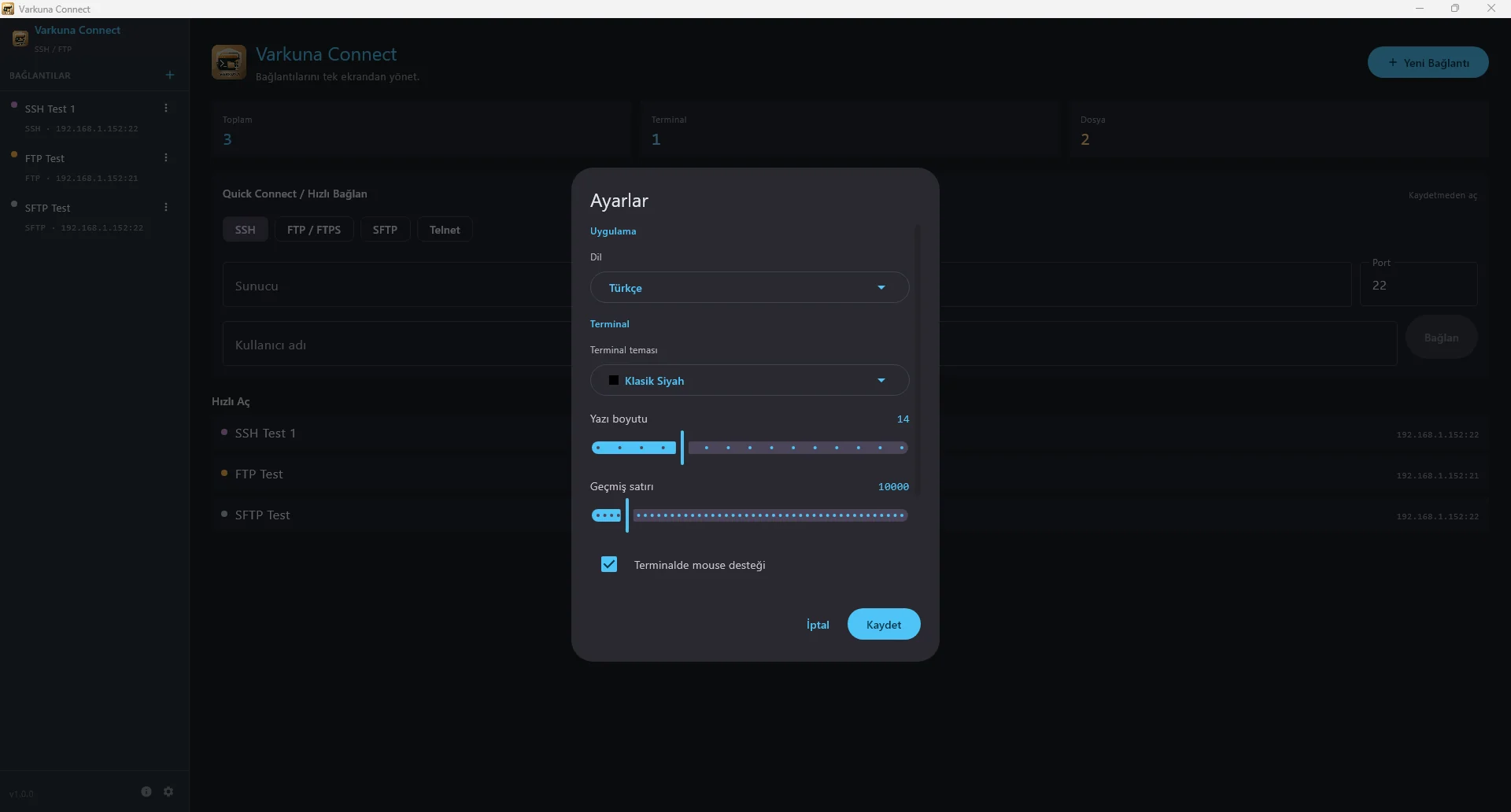
Adjust terminal theme, font size and behavior in Settings.
Exit the remote shell cleanly and close its tab when your work is complete.
Transfer files with FTP, FTPS or SFTP
-
Step 1
Open the file connection
Select FTP/FTPS or SFTP according to the server.
-
Step 2
Check source and destination
Confirm the correct local and remote folders.
-
Step 3
Start the operation
Upload, download, rename or manage folders as needed.
-
Step 4
Verify the transfer
Check the name, size and destination, then test important server-side changes.
Use an SFTP profile for secure file transfer when the server provides SSH access and an SFTP subsystem.
Manage saved data securely
On Windows, saved passwords and key passphrases are protected with the operating system’s DPAPI.
An SSH key file is not copied into the app; its path is referenced. Re-select it if the file is moved or deleted.
Review SSH fingerprints and FTPS certificate warnings on first use and after unexpected changes.
Avoid saving passwords on shared systems and lock or close the app after use.
Troubleshoot by protocol
SSH or Telnet does not open
Check the host, port and protocol. Confirm the service is running and the firewall permits the connection.
FTP connects but cannot list folders
Check passive mode and server data ports. For FTPS, also review the certificate and TLS settings.
SFTP authentication failed
Check the SSH username, password or key path. Re-select a key file that was moved.
A profile behaves unexpectedly
Edit it and recheck protocol and port. If the issue continues, send the exact error and app version through Support.
Use the support form for bug reports, suggestions or usage questions.