Add your files
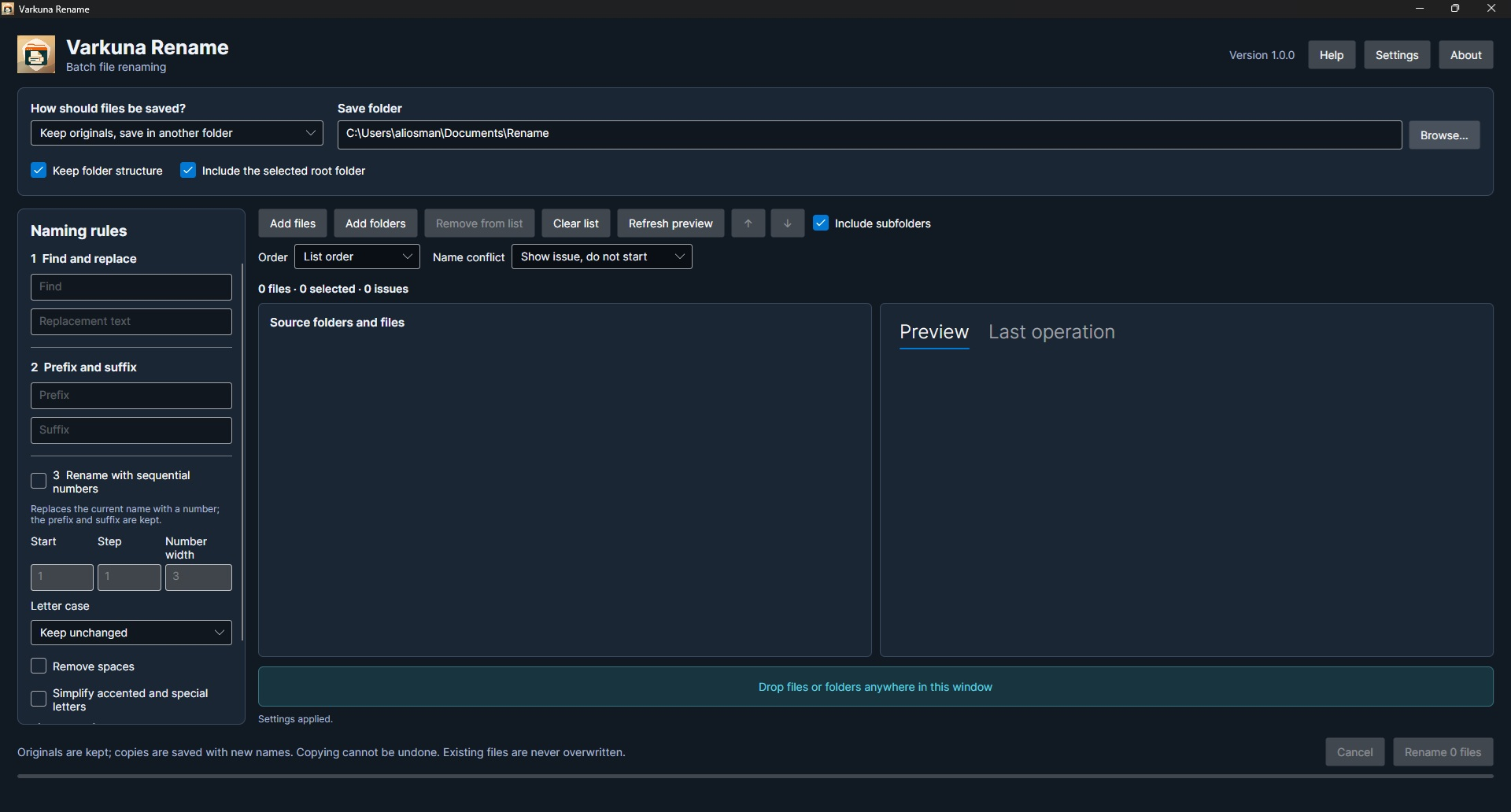
Select files or folders, or drag them into the window. Include subfolders and use natural or manual ordering.
 Coming soon · Microsoft Store
Rename your files in batches. Preview the result, then apply it.
A free bulk file renamer for Windows 10/11 x64.
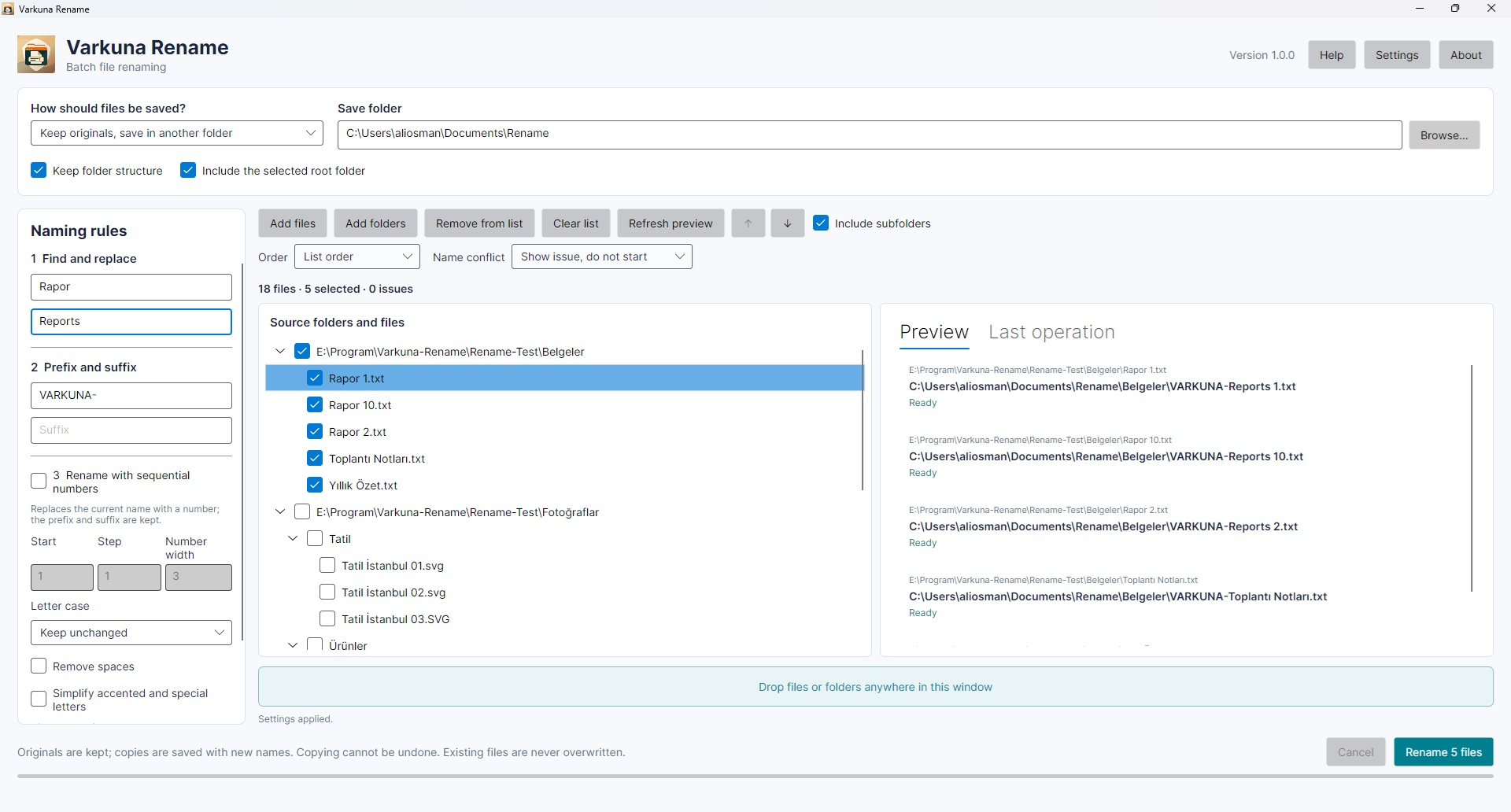
Select files or folders, or drag them into the window. Include subfolders and use natural or manual ordering.
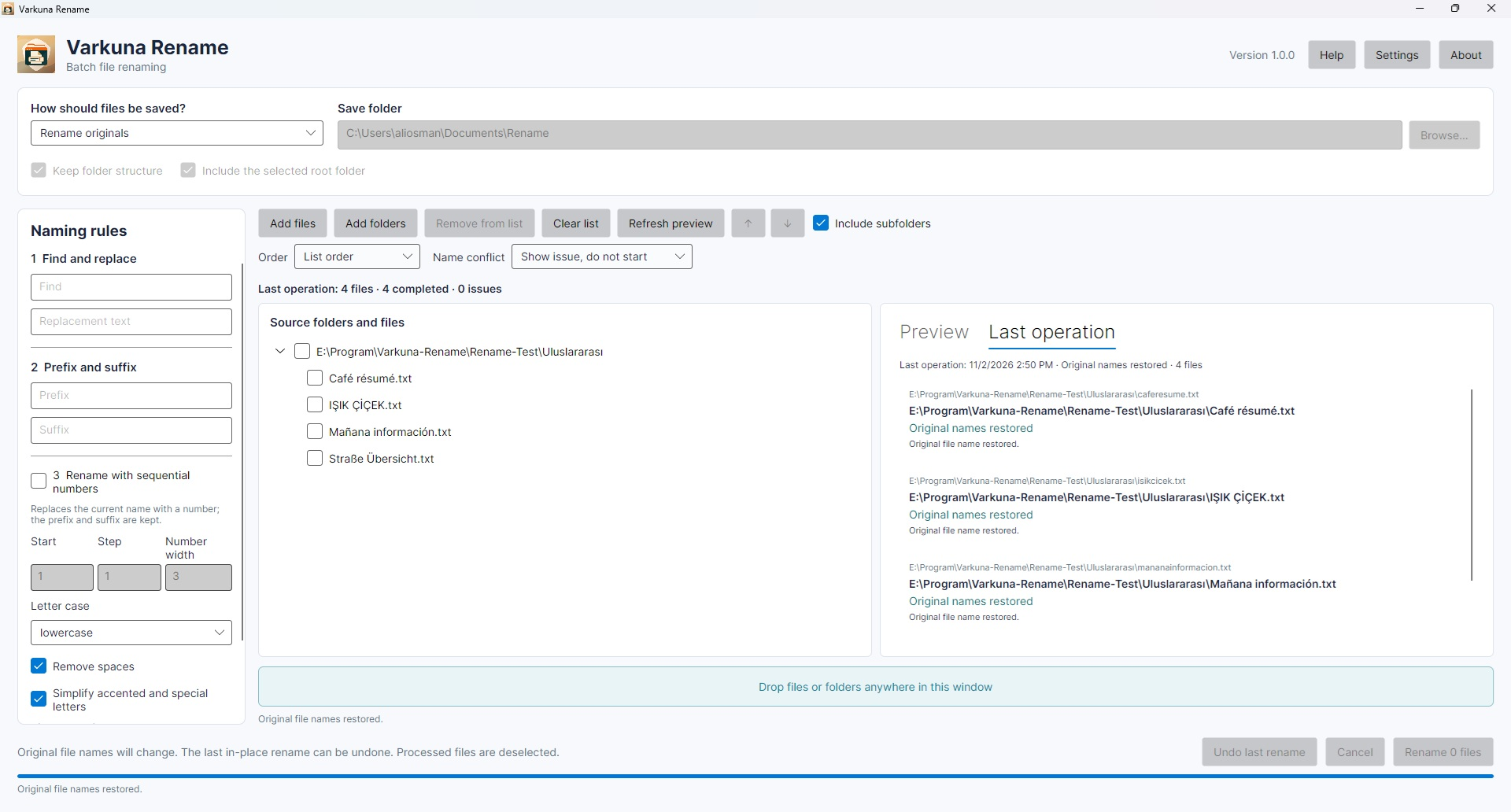
Compare old and new names in the live preview. Review name conflicts before starting the operation.
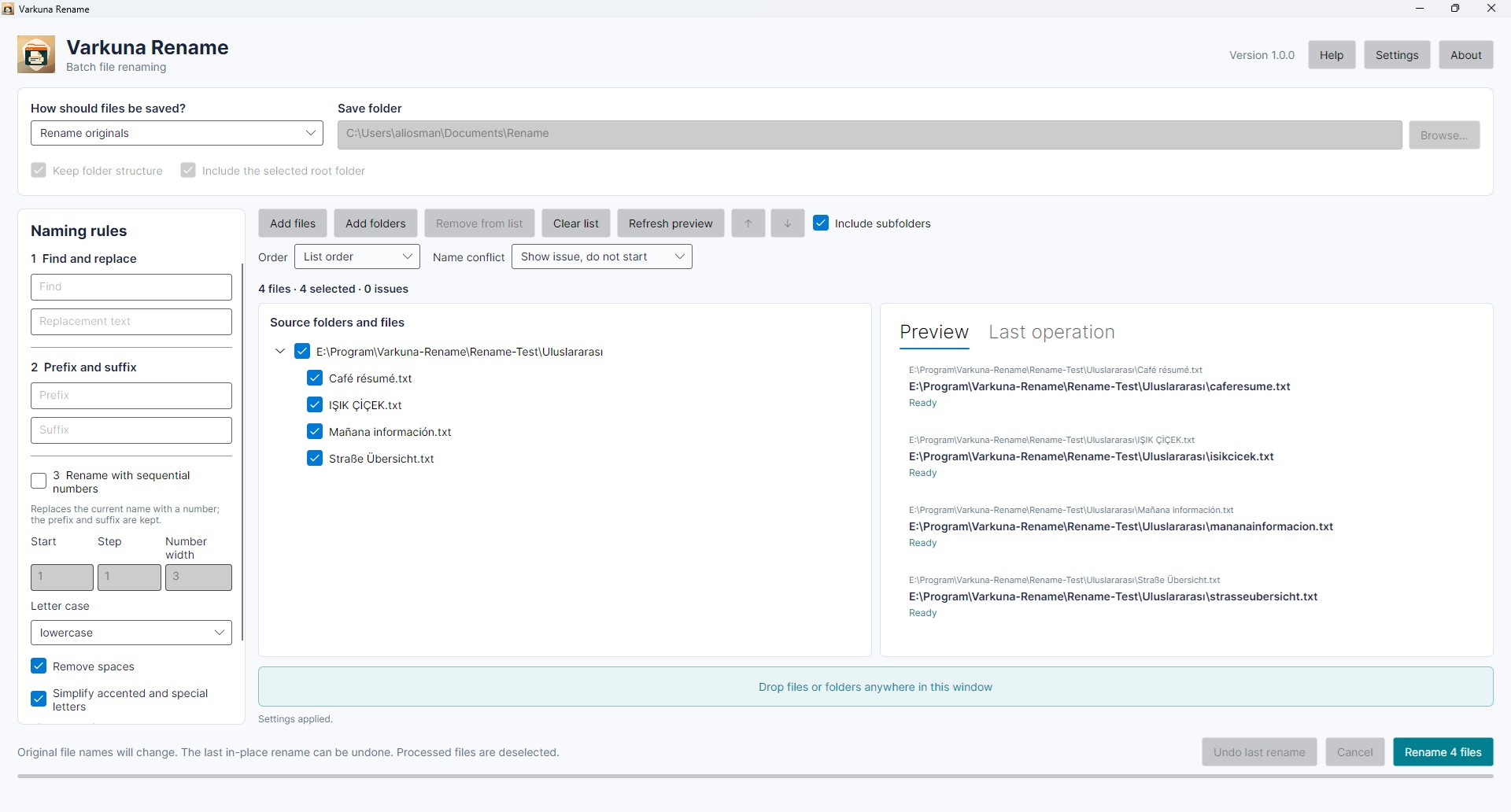
Combine find and replace, prefixes, suffixes and sequential numbering. Adjust letter case, remove spaces or simplify accents and special Latin letters.
Rename originals in place or create copies with new names in the same or another folder. Preserve the folder structure when needed.
Keep the extension or change only its letter case. This does not convert the file format or contents.
Use the interface in Turkish or English and choose a light, dark or system theme.
The last in-place rename operation can be undone. Copy operations cannot be undone. Review the preview and destination before proceeding.
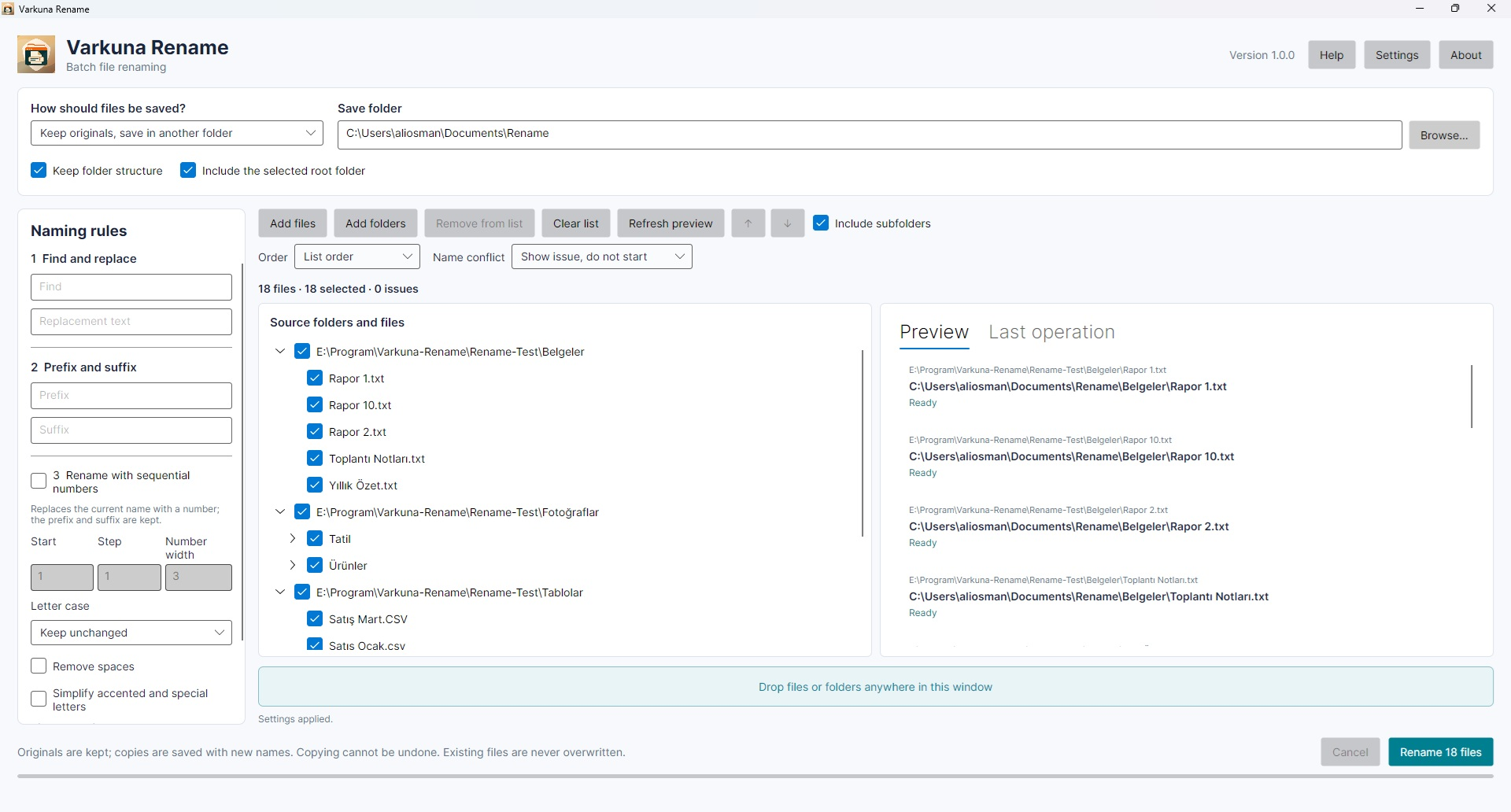
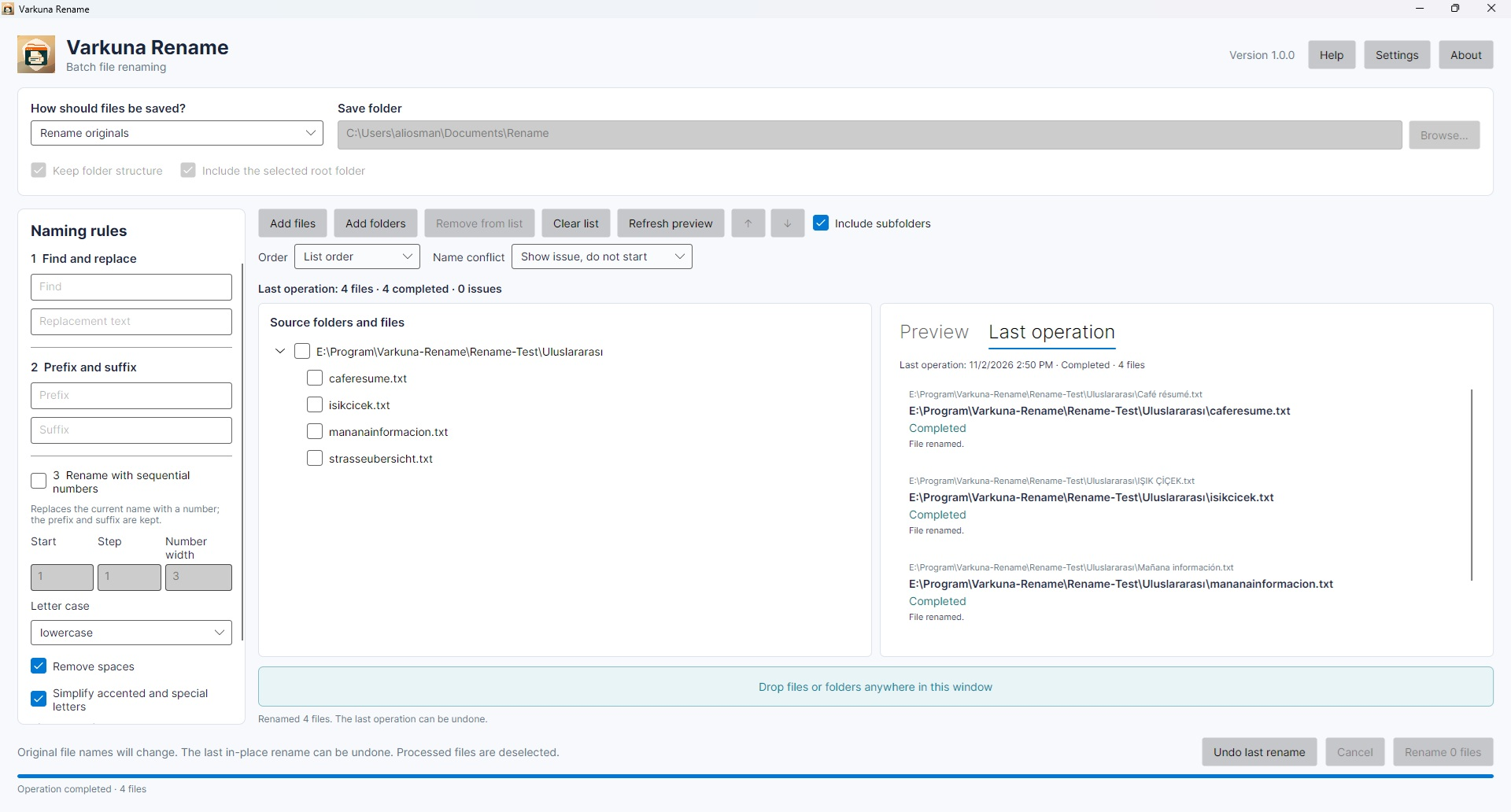
Files are processed on your computer and are not uploaded to a server. Optional version checks retrieve only version information from the Varkuna website.