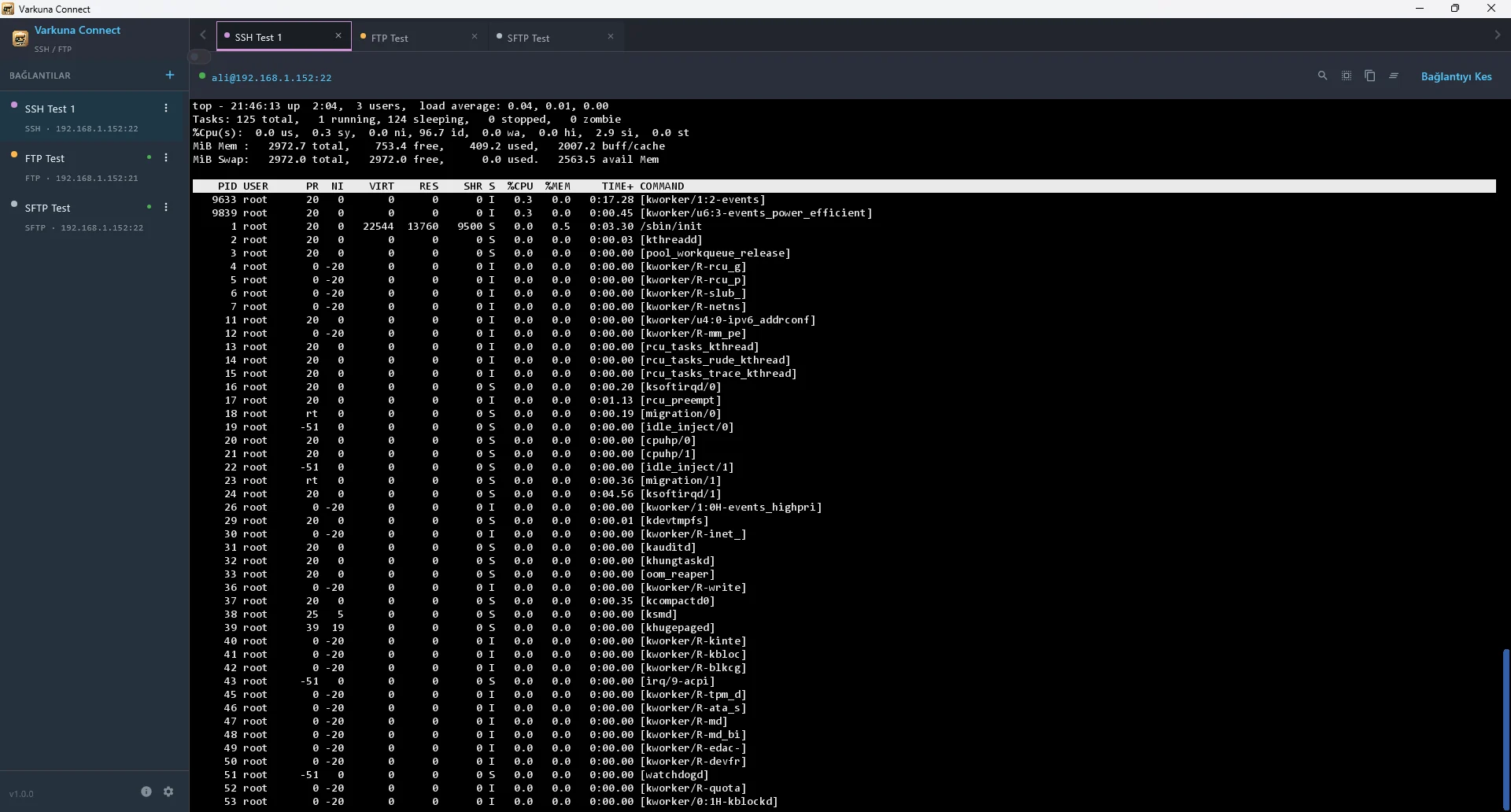
What Is SSH, How Does It Work and What Is It Used For?
Learn how SSH works, why port 22 is common, how host keys and user authentication differ, and how encrypted remote terminal sessions are used.
Read guide ›Understand how SSH, FTP, FTPS, SFTP and Telnet work; then use practical guides to connect and solve common problems.
Looking for screen-by-screen product instructions?
Open Help Center
Learn how SSH works, why port 22 is common, how host keys and user authentication differ, and how encrypted remote terminal sessions are used.
Read guide ›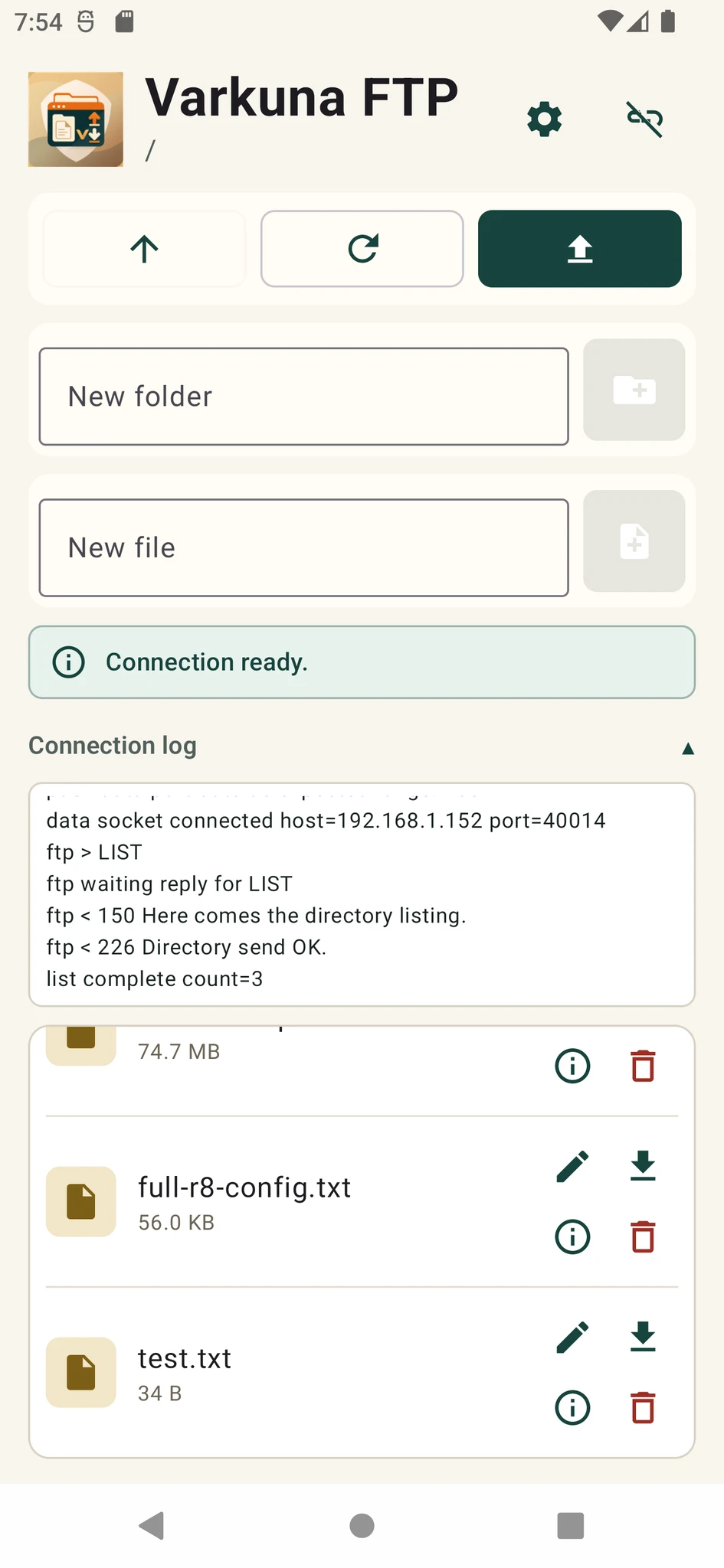
Learn how FTP uses control and data connections, why port 21 is common, how active and passive modes differ, and where plain FTP falls short.
Read guide ›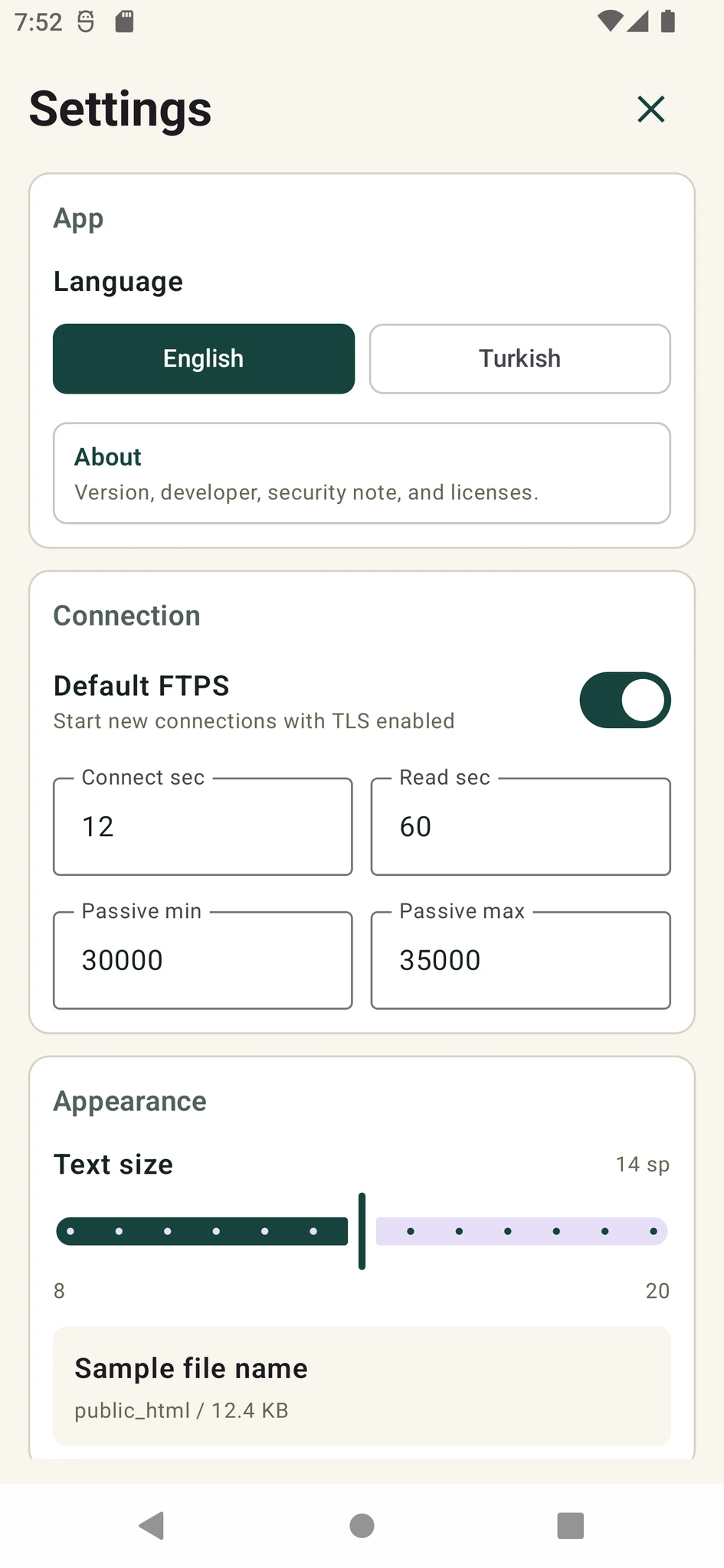
Learn how FTPS adds TLS to FTP, the difference between explicit and implicit FTPS, common ports 21 and 990, and certificate verification.
Read guide ›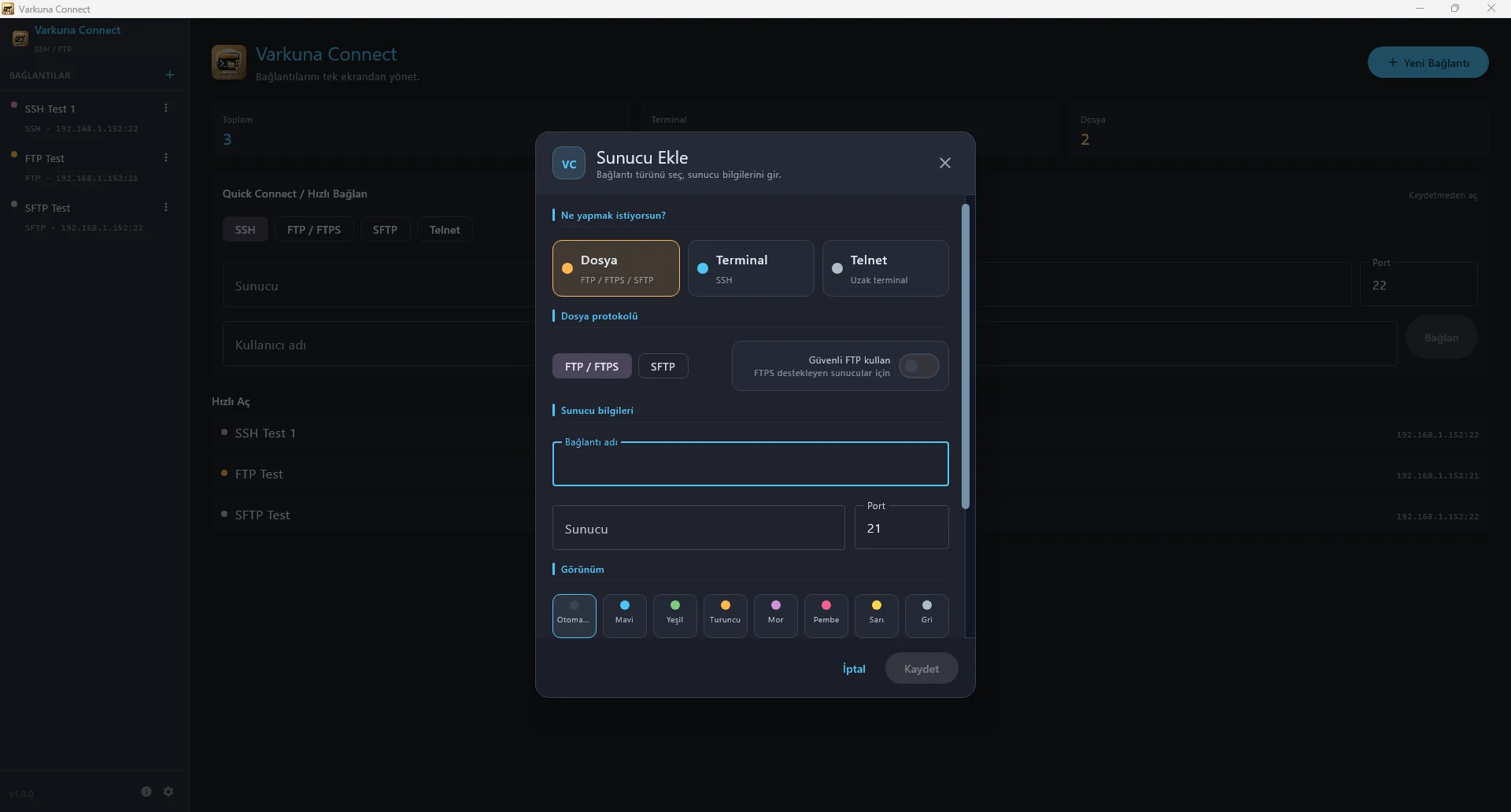
Learn how SFTP performs secure file operations over SSH, why port 22 is common, how authentication works, and why SFTP is not FTP over TLS.
Read guide ›
Learn how Telnet provides a remote text terminal, why port 23 is common, how it differs from SSH, and why its unencrypted sessions are risky.
Read guide ›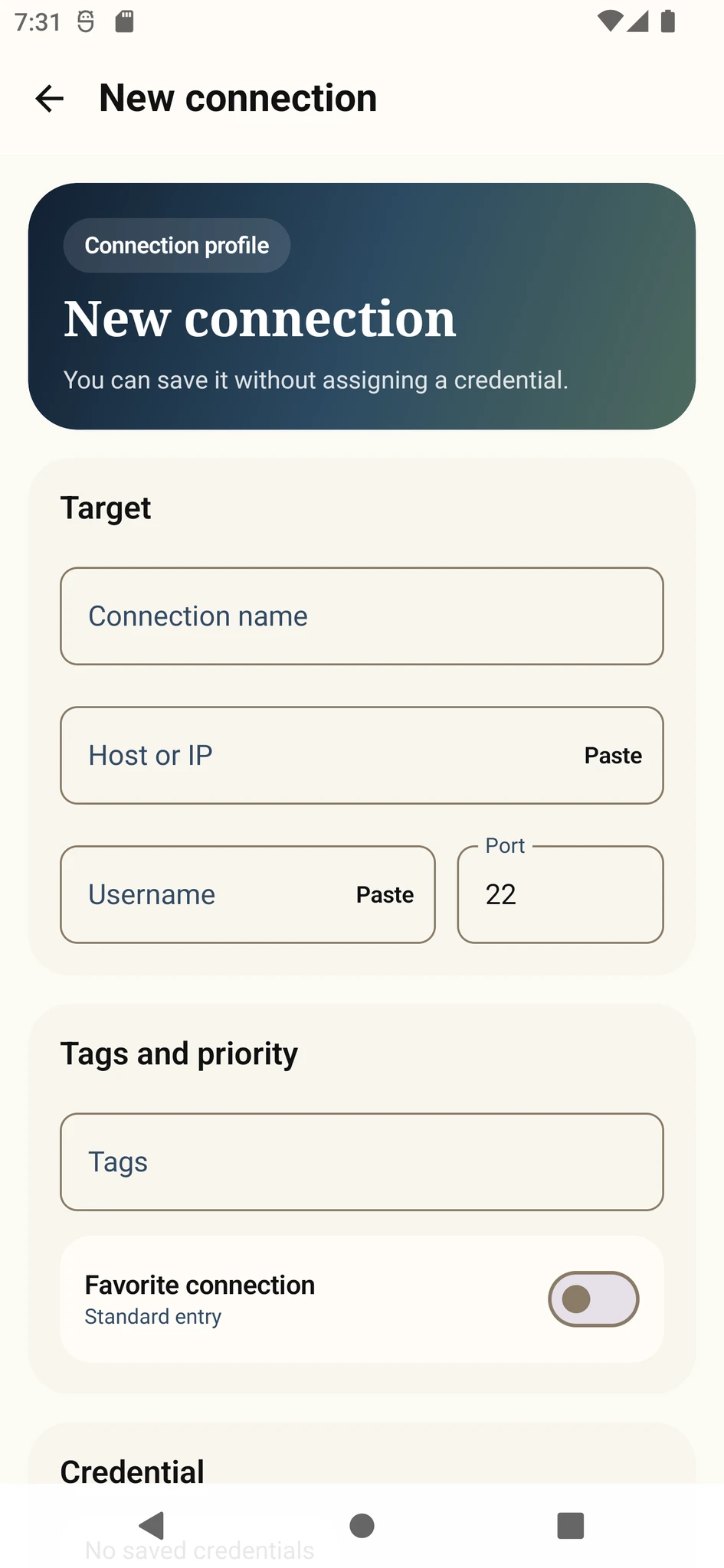
Learn how to connect to an SSH server from Android using the host, port, username, password or private key, and troubleshoot common errors.
Read guide ›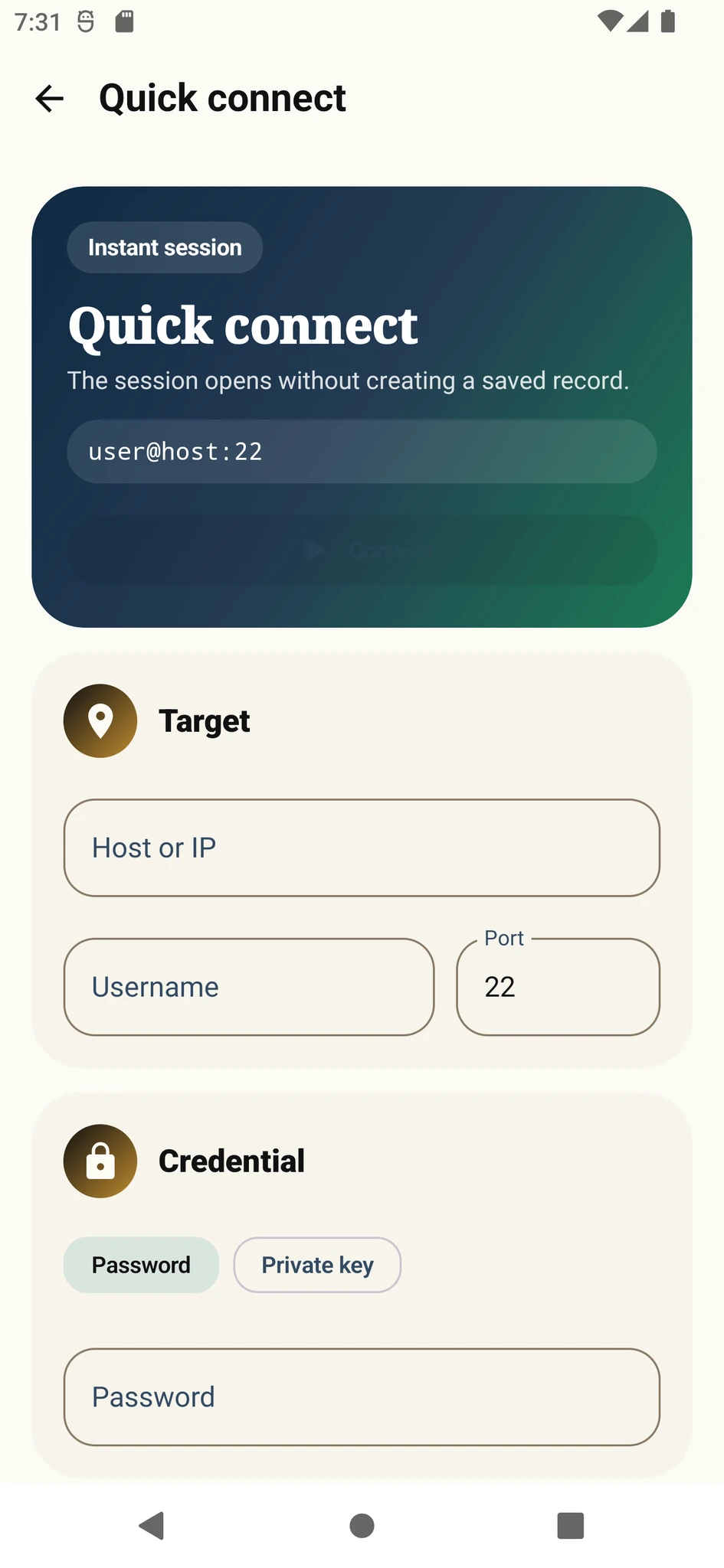
Understand SSH connection refused and connection timed out errors and check the host, port, SSH service, firewall, DNS and network in the right order.
Read guide ›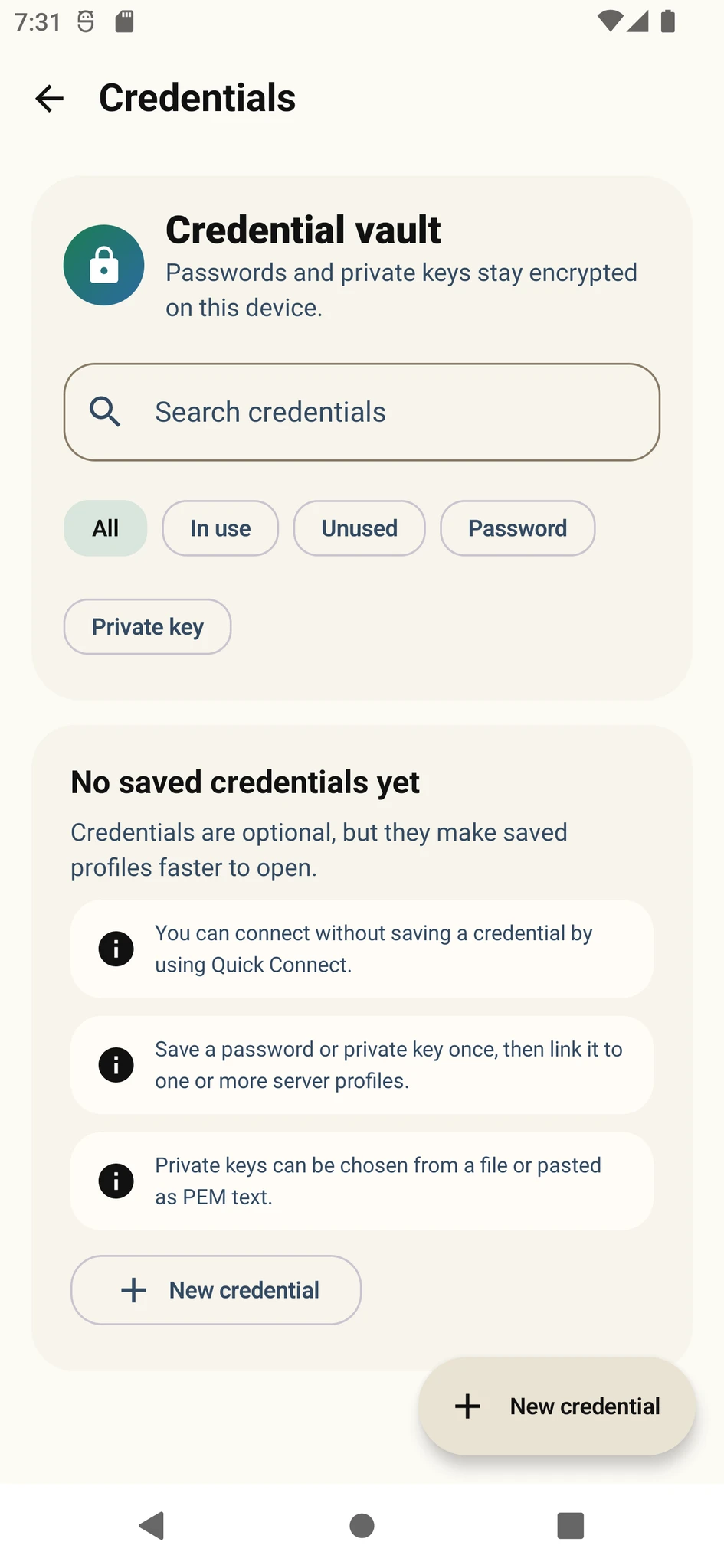
Fix SSH Permission denied publickey or password errors by checking the username, credentials, authorized_keys ownership, file permissions and sshd settings.
Read guide ›
Understand SSH public and private keys, generate a key pair, add the public key to a server, use a passphrase and protect the private key.
Read guide ›
Understand why an SSH host key changes, verify the new fingerprint and safely replace only the affected known_hosts entry.
Read guide ›
Diagnose SSH Broken pipe, connection reset and idle-session disconnects using network checks, ServerAliveInterval and server-side evidence.
Read guide ›
Learn SSH local, remote and dynamic port forwarding, the -L, -R and -D options, safe bind addresses and practical tunnel examples.
Read guide ›
Compare FTP, FTPS and SFTP by encryption, ports, connection model and server requirements to choose the right file transfer protocol.
Read guide ›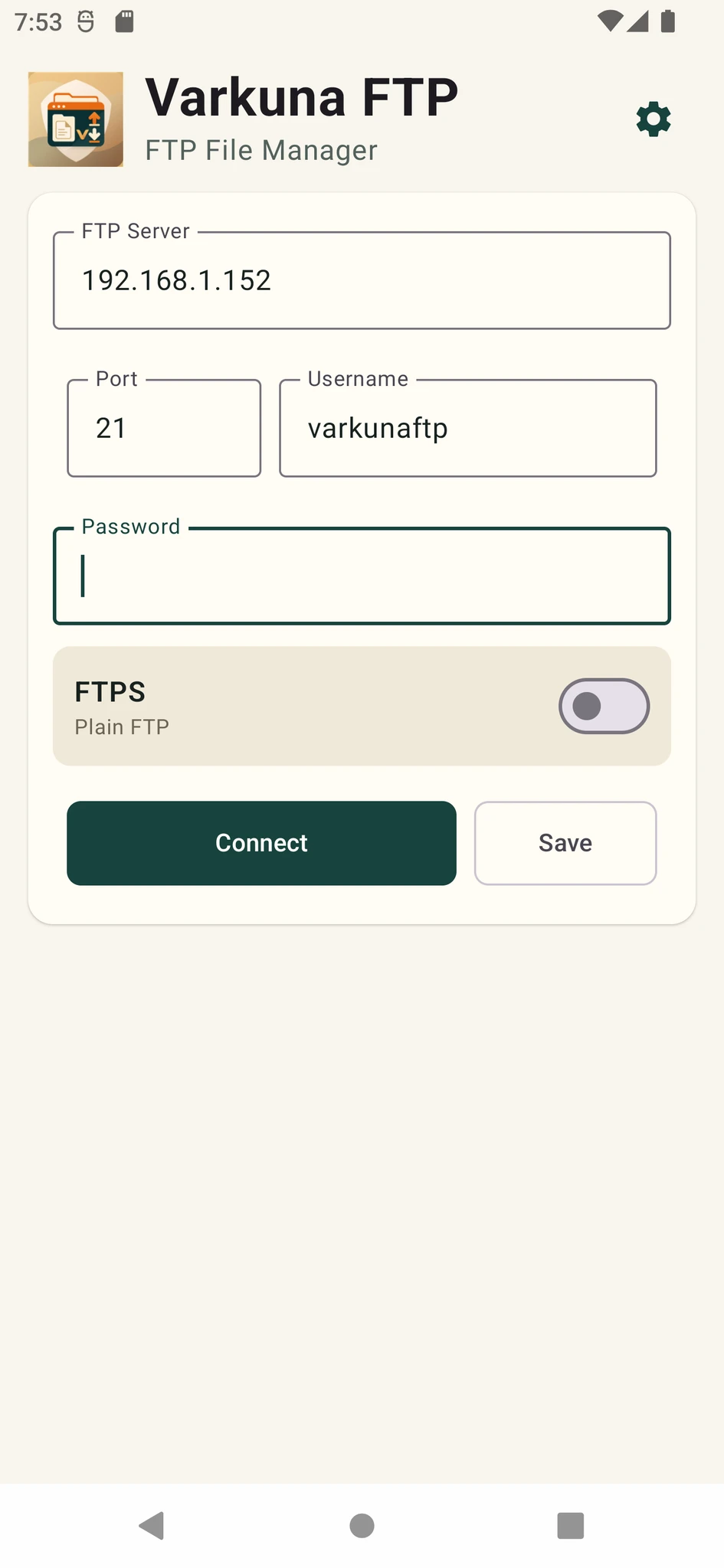
Fix FTP 530 Login incorrect or Not logged in by checking the server, full username, password, account status and FTP or FTPS security settings.
Read guide ›
When FTP connects but cannot list folders, troubleshoot passive mode, data ports, NAT, firewall rules, directory permissions and FTPS settings.
Read guide ›
Troubleshoot FTPS certificate name mismatch, expired or untrusted certificates, incomplete chains and TLS connection errors without bypassing security.
Read guide ›
Fix SFTP permission denied during upload, folder creation or rename by checking directory ownership, write access, chroot layout and server limits.
Read guide ›
Fix FTP 550 Requested action not taken by checking the file path, write permission, account root, quota, file name and server policy.
Read guide ›
Fix FTP 425 cannot open data connection and 426 transfer aborted by checking passive mode, port ranges, NAT, firewalls and network stability.
Read guide ›
Learn what CHMOD 644 and 755 mean, how they apply to files and directories, and why overly broad permissions such as 777 are risky.
Read guide ›