What Is SFTP and How Does File Transfer over SSH Work?
SFTP is a file-access and transfer protocol commonly provided as an SSH subsystem. It uses SSH security and usually needs only one client-to-server connection.
What is SFTP?
SFTP commonly means SSH File Transfer Protocol. It defines remote file operations that run inside an SSH connection, including listing directories, uploading, downloading, renaming, deleting and inspecting file attributes.
Despite the similar name, SFTP is not FTP with encryption added. It does not use FTP commands, FTP reply codes or the FTP control/data connection model.
How does an SFTP connection work?
- 1Connect to SSH
The client opens a TCP connection to the SSH service, commonly on port 22 or a custom SSH port.
- 2Verify the host key
The server identity is checked using the SSH host key and a trusted or previously saved fingerprint.
- 3Authenticate the user
The server accepts a permitted method such as a password or a public/private key pair.
- 4Start the SFTP subsystem
The client requests the SFTP service inside the authenticated SSH connection.
- 5Exchange file requests
Directory and file operations travel as structured SFTP messages through the encrypted channel.
SFTP and FTP use different connection models
| Feature | SFTP | FTP/FTPS |
|---|---|---|
| Transport | SSH | FTP, optionally protected by TLS |
| Common port | 22 | 21; implicit FTPS often 990 |
| Data path | Usually one SSH connection | Control plus separate data connections |
| Server identity | SSH host key | TLS certificate for FTPS; none in plain FTP |
SFTP authentication and permissions
SFTP normally follows the SSH account and authentication policy. A user may sign in with a password, a private key or another method enabled by the server. The private key stays on the client; the matching public key is installed on the server.
Successful SSH authentication does not necessarily grant an unrestricted shell. Administrators can provide SFTP-only accounts, restrict users to selected directories and limit which file operations are permitted.
SFTP requires SSH/SFTP service access. A username created only in an FTP control panel may be unrelated to the server SSH accounts.
What is SFTP used for?
Safely browse, upload, download and organize files on SSH-enabled systems.
Use restricted keys and dedicated accounts for scheduled data exchange, deployment or backup jobs.
Simplify network rules because a separate FTP passive port range is generally unnecessary.
Combine chroot-style directory restrictions, operating-system permissions and SSH policy.
SFTP security checklist
Confirm the first fingerprint and investigate unexpected changes.
Use a passphrase where practical and remove keys for lost or retired devices.
Limit each account to the required directories and operations.
Apply supported software updates and disable obsolete algorithms according to server policy.
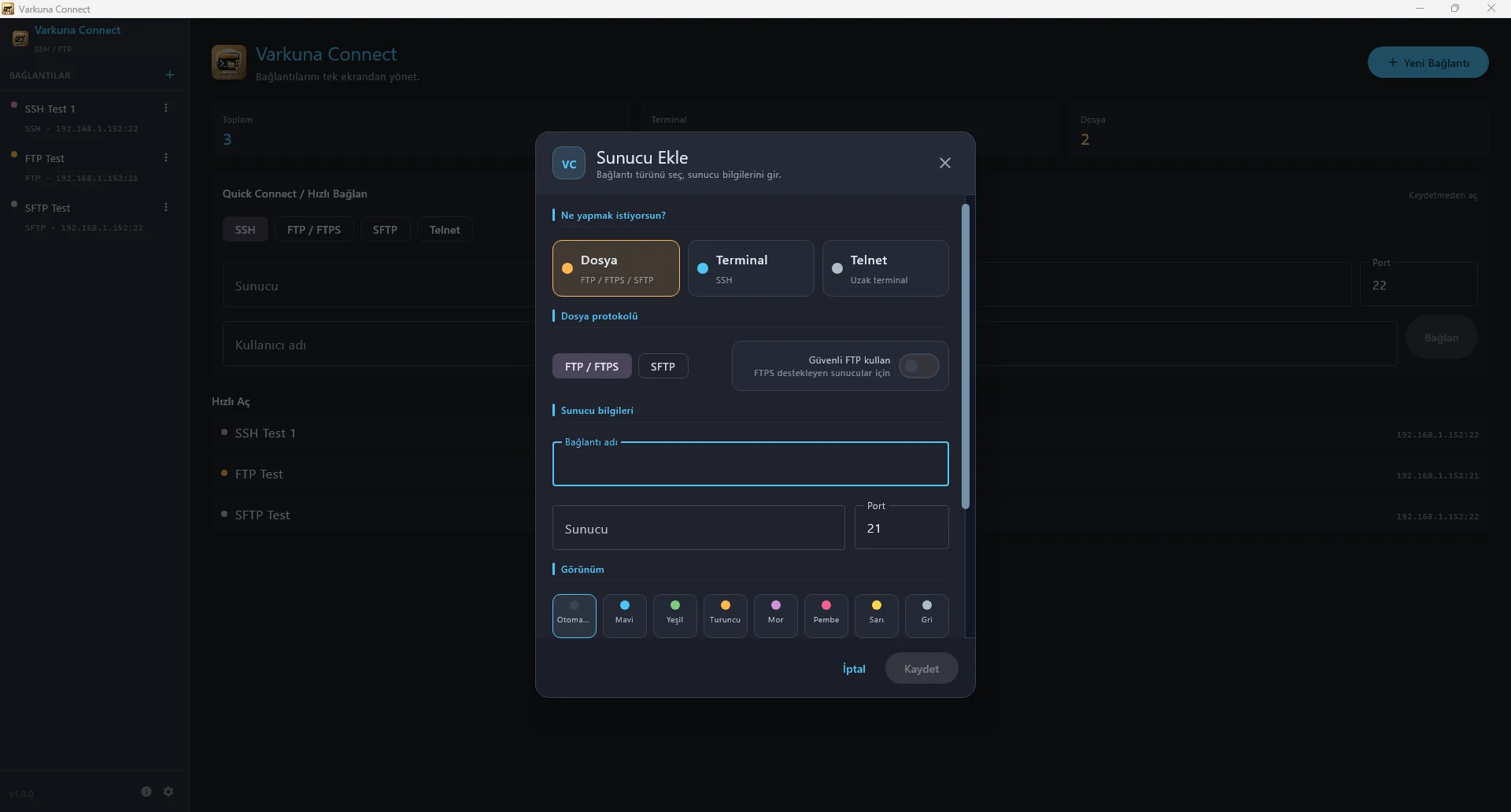
Selecting SFTP in an app works only when the destination server provides SSH and an enabled SFTP subsystem.
Put the guide into practice.
Review the related Varkuna product or open its detailed user guide.