What Is SSH, How Does It Work and What Is It Used For?
SSH is one of the core protocols for securely managing remote systems. Its layered design protects the connection while authenticating both the server and the user.
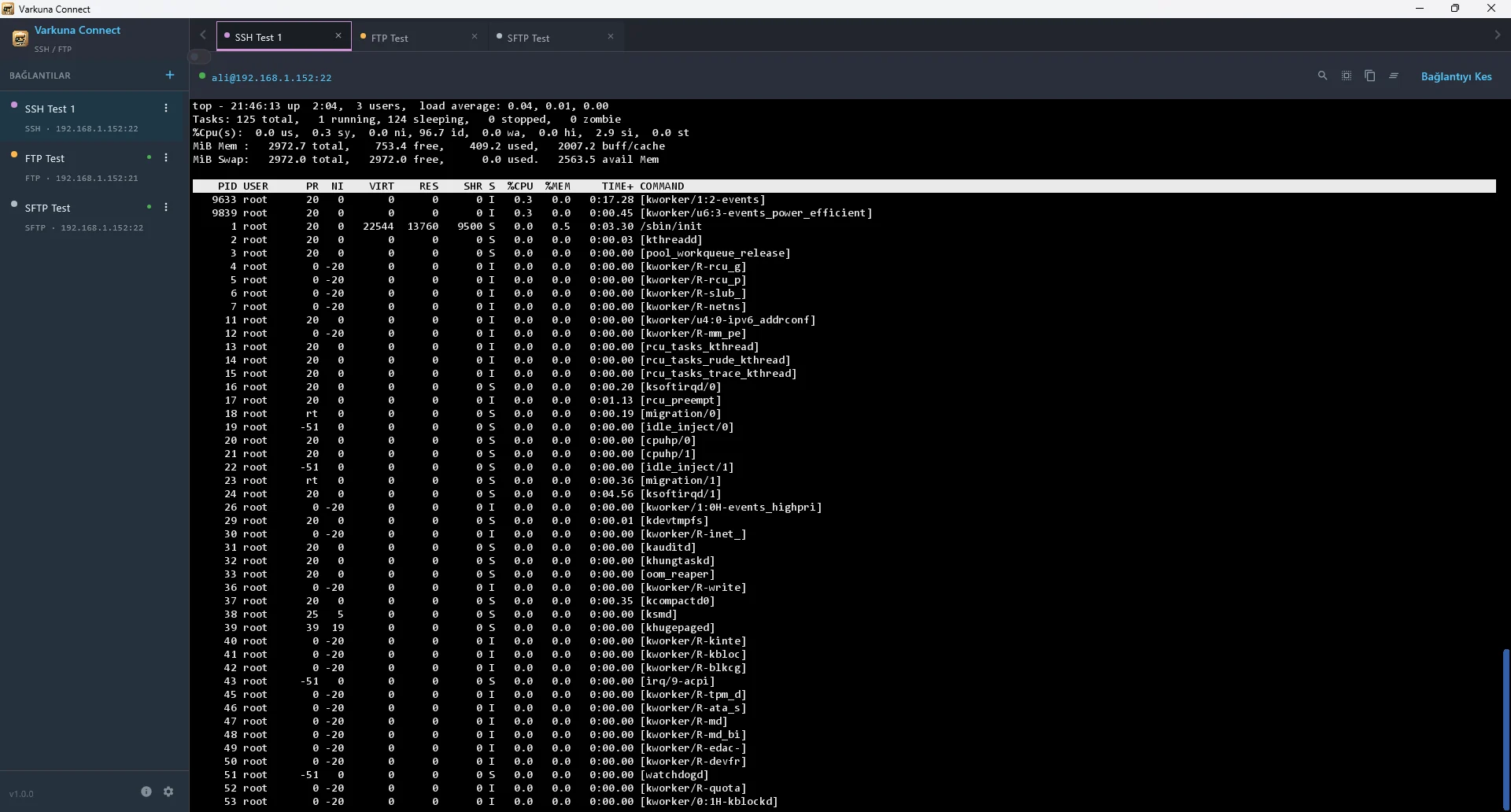
What is SSH?
SSH stands for Secure Shell. It creates an encrypted connection to a remote computer over an untrusted network and is designed to protect the identity of the server, the authentication of the user and the contents of the session.
Its most familiar use is an interactive command-line session. The same SSH transport can also support secure file operations, port forwarding and automated administration without exposing commands or credentials as plain text.
How does an SSH connection work?
- 1Open the TCP connection
The client connects to the SSH service. Port 22 is the common default, although an administrator may assign another port.
- 2Negotiate protection
Client and server select mutually supported algorithms and establish encrypted, integrity-protected transport.
- 3Verify the server
The server presents a host key. The client can compare its fingerprint with a trusted value or a previously saved record.
- 4Authenticate the user
The server applies its policy, such as password, public-key or multi-factor authentication.
- 5Open session channels
Terminal, command execution, forwarding or file-transfer channels can share the protected SSH connection.
Server host keys and user keys are different
Verifying the host-key fingerprint through a trusted channel on first connection reduces the risk of connecting to an impostor. An unexpected later change should be confirmed with the administrator.
A user private key must remain secret and is not uploaded to the server. Only the matching public key is installed for the account that may log in.
| Key | Whose identity? | Where is it checked? |
|---|---|---|
| Server host key | The remote server | Known-host record on the client |
| User public/private key pair | The connecting user | Public key on server; private key on client |
What is SSH used for?
Run commands, review services and inspect logs on Linux and Unix servers.
Perform file operations using SSH authentication and encrypted transport.
Carry selected TCP traffic through local, remote or dynamic SSH tunnels.
Run controlled backup, deployment and maintenance jobs with restricted keys and accounts.
SSH security is more than changing the port
Moving SSH away from port 22 can reduce noise from automated scans, but it does not replace strong authentication, current software and correctly scoped network access.
Useful controls include disabling unused accounts, setting an explicit root-login policy, preferring protected public keys, removing obsolete algorithms, limiting firewall access and reviewing login records.
SSH protects the connection, not the effect of a command. Review privileged or destructive commands before running them.
The fundamental difference between SSH and Telnet
Both protocols can provide a remote text terminal. Traditional Telnet does not encrypt usernames, passwords or session data, while SSH protects authentication and traffic inside an encrypted channel.
SSH is therefore the normal choice for modern remote administration whenever the server supports it. Telnet should be limited to isolated legacy systems or controlled diagnostic environments.
Put the guide into practice.
Review the related Varkuna product or open its detailed user guide.