What Is FTP and How Do Active and Passive Modes Work?
FTP is a long-established protocol for transferring files and managing remote directories. Its separate control and data connections explain both its flexibility and many common firewall problems.
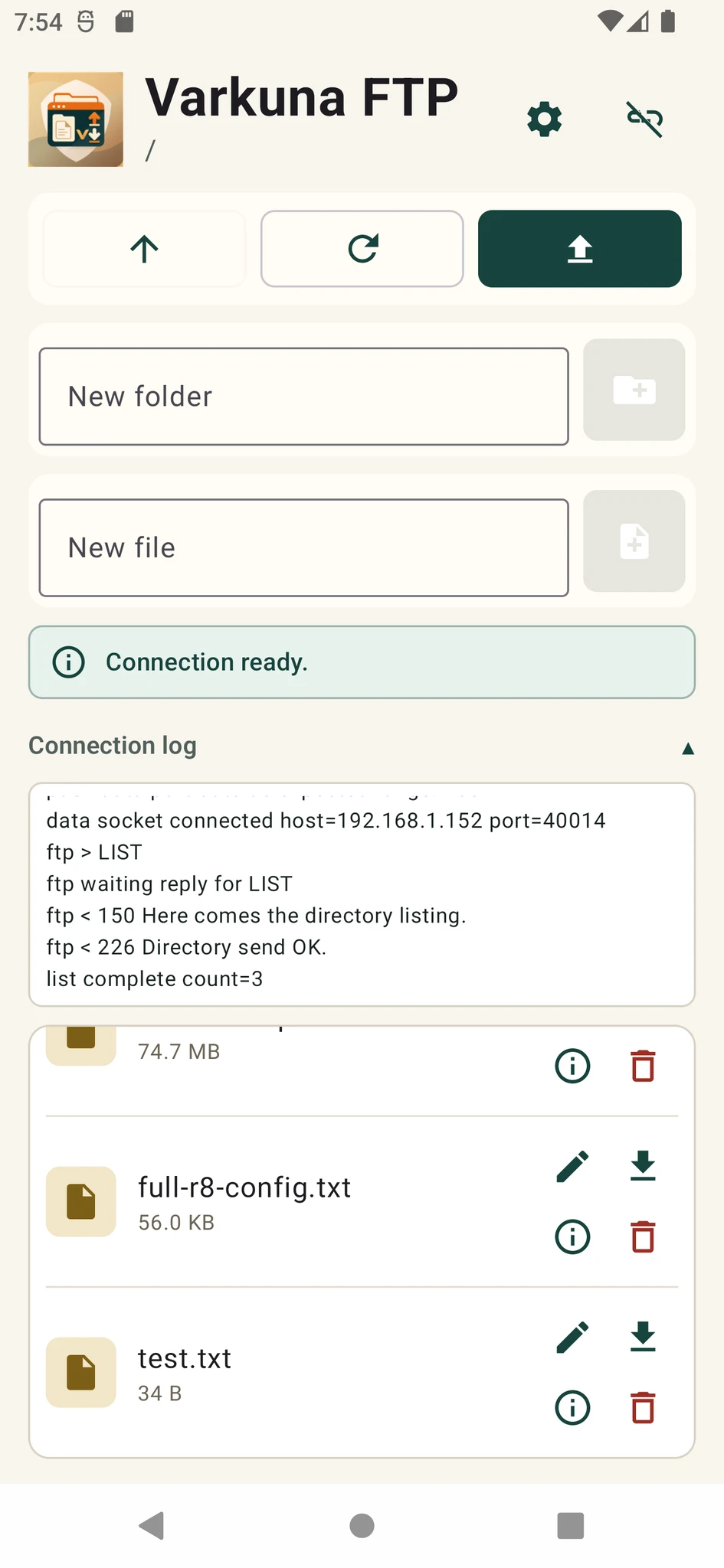
What is FTP?
FTP stands for File Transfer Protocol. It defines commands and server responses for logging in, listing directories, uploading, downloading, renaming and deleting files on a remote system.
FTP is a communication protocol rather than a file system. The directories a user can see and the operations they can perform are still controlled by the server account, its home directory and file permissions.
Control and data connections
A login may succeed while directory listing fails because the control connection works but the separate data connection is blocked by a firewall, NAT rule or incorrect server address.
The FTP control connection commonly uses port 21. Data ports depend on active or passive mode and on the passive range configured by the server administrator.
| Connection | Purpose | Lifetime |
|---|---|---|
| Control connection | Commands and numeric server replies | Usually remains open for the session |
| Data connection | Directory listings and file contents | Opened for a listing or transfer |
Active and passive FTP modes
The client announces where it is listening and the server starts the data connection back to the client. NAT and mobile networks can make this difficult.
The server announces a data address and port, then the client opens the second connection toward the server. This is usually easier on modern networks.
These commands request passive data connections. EPSV simplifies address handling and is especially useful with IPv6.
The server should define a limited range and the firewall should allow the same range.
What happens during an FTP session?
- 1Connect to the server
The client opens a TCP connection to the configured FTP host and control port.
- 2Authenticate
The username and password are submitted and the server reports the result with FTP reply codes.
- 3Select a remote directory
The client navigates within the directories allowed for that account.
- 4Open a data connection
A separate active or passive channel carries the listing, upload or download.
- 5Confirm the result
The client checks the final server reply and the file location and size at the destination.
Is FTP secure?
Classic FTP does not encrypt usernames, passwords or file contents by itself. It is not a secure default for sensitive credentials or data crossing the public internet.
FTPS can protect an existing FTP service with TLS. SFTP is a separate protocol used through an SSH service. Which option works depends on the service enabled by the server administrator or hosting provider.
SFTP is not FTP with a security switch enabled. It uses a different server service, authentication model and connection structure.
Where is FTP still used?
Uploading website files and performing basic file management on hosting accounts.
Business transfer systems protected with FTPS, private networks or strict access rules.
Devices and automation systems that support only FTP on a controlled local network.
Limited, monitored use while moving a system to a more secure protocol.
Put the guide into practice.
Review the related Varkuna product or open its detailed user guide.