FTP vs FTPS vs SFTP: Differences and Which One to Use
Despite their similar names, FTP, FTPS and SFTP are not the same connection type. Their encryption, ports and server requirements differ significantly.
Short answer: they are different protocols
FTP is the traditional file transfer protocol and does not encrypt a connection by itself. FTPS adds TLS encryption to FTP. SFTP is not secure FTP; it is a separate file transfer protocol that runs over SSH.
The right choice depends on what the server supports. Selecting SFTP in an app cannot work unless the server provides SSH and an SFTP subsystem.
FTP, FTPS and SFTP comparison
| Feature | FTP | FTPS | SFTP |
|---|---|---|---|
| Encryption | None | TLS | SSH |
| Common port | 21 | 21 or 990 | 22 |
| Connection model | Control and separate data connections | Encrypted FTP control and data connections | Single SSH connection |
| Server requirement | FTP service | TLS-enabled FTP service | SSH and SFTP subsystem |
| Best use | Only when required on trusted networks | Encrypted transfer on existing FTP infrastructure | Secure transfer on SSH-enabled servers |
When is FTP used?
FTP remains available on legacy servers and some hosting plans. Plain FTP does not encrypt usernames, passwords or file traffic, so it should not be the default for sensitive transfers over the internet.
If your provider supports only FTP, connect from a trusted network and ask whether FTPS or SFTP can be enabled.
Using an FTP client does not make the protocol secure. Prefer FTPS or SFTP when the server supports them.
How does FTPS work?
FTPS protects the existing FTP protocol with a TLS certificate. Explicit FTPS commonly starts on port 21 and upgrades to encrypted communication, while implicit FTPS is often configured on port 990.
Because FTPS uses data connections in addition to its control connection, firewalls and passive port ranges must be configured correctly. A successful login with no directory listing often points to passive-mode or data-port settings.
Why is SFTP different?
SFTP stands for SSH File Transfer Protocol and performs file operations over an SSH session. It commonly uses one connection on port 22, which can simplify firewall configuration.
Having an FTP account does not automatically provide SFTP access. SFTP requires an SSH account, suitable permissions and an active SFTP subsystem on the server.
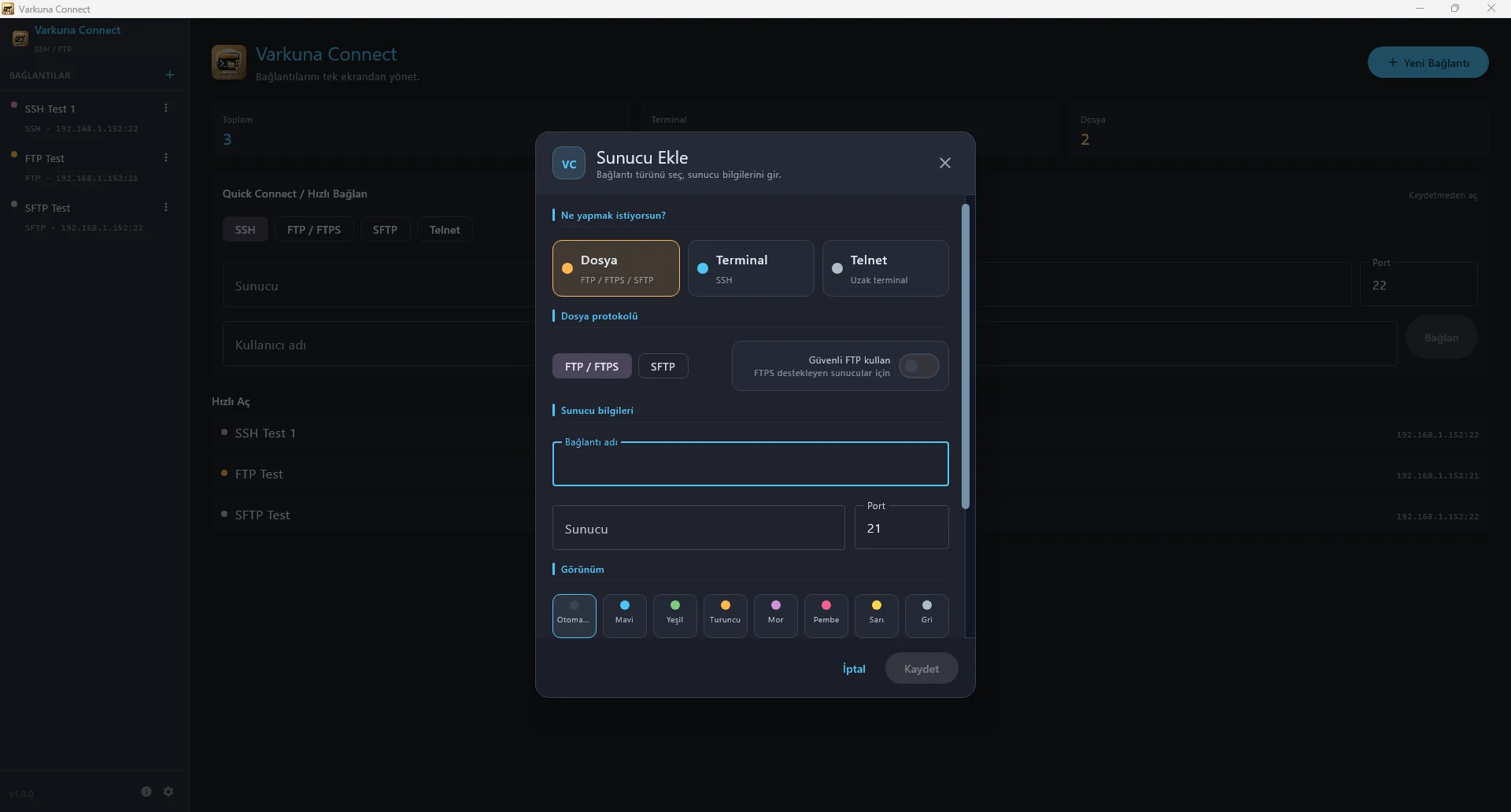
On Android, Varkuna FTP focuses on FTP and FTPS. SFTP is available as a separate connection type in the desktop Varkuna Connect app.
Which protocol should you choose?
When the server supports SFTP, its secure and simple connection model makes it a strong choice.
Use the provider’s FTPS settings to keep an FTP-based workflow while encrypting transfers.
Limit its use, connect from a trusted network and request a more secure option.
Do not guess the protocol. Use the exact host, port and security type in the provider documentation.
Put the guide into practice.
Review the related Varkuna product or open its detailed user guide.