FTP 550 Error: File Unavailable or Access Denied
An FTP 550 reply means the server did not perform the requested file action. The same code can represent a missing file, denied access, invalid path or server-side restriction.
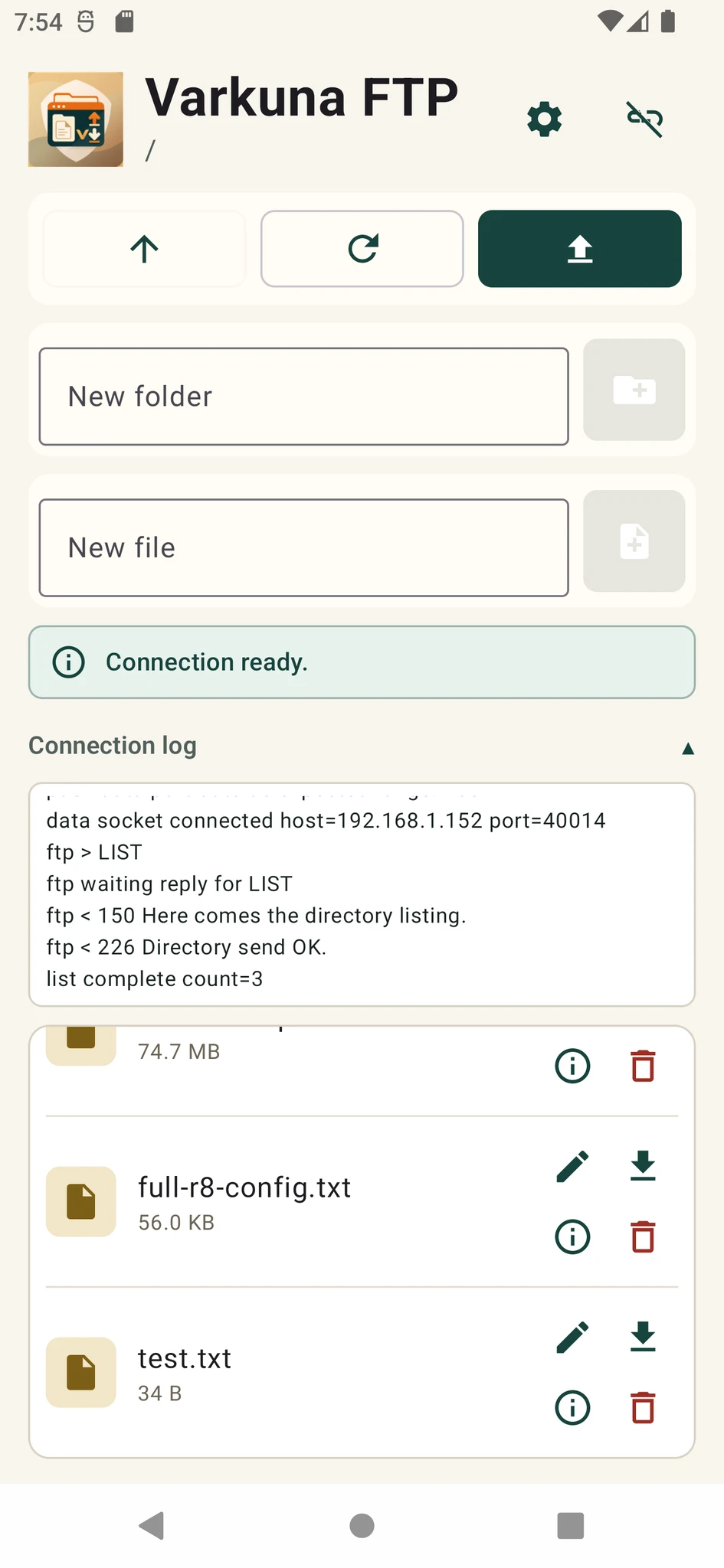
What does FTP error 550 mean?
The standard meaning of 550 is that the requested action was not taken because the file is unavailable. The server text may add “File not found,” “Access denied,” “Permission denied” or “Failed to open file.”
It normally appears after login during RETR, STOR, DELE, RNFR, RNTO or a directory operation. It is different from a 530 login failure and from a 425 data-connection failure.
Which operation failed?
| Operation | Possible causes | First check |
|---|---|---|
| Download | File missing or no read access | Name, letter case and remote directory |
| Upload | No directory write access or quota exhausted | Destination, free space and account permission |
| Delete | Delete policy, ownership or file lock | File owner and server rule |
| Rename | Missing source, invalid target or file-system boundary | RNFR/RNTO paths and target name |
| Change directory | Directory missing or no traversal permission | Full path and parent-directory access |
Checks in the FTP client
- 1Refresh the listing
Another process may have moved or removed the file. Retrieve the current remote directory contents.
- 2Check letter case
On a Linux server, File.txt and file.txt are normally different names.
- 3Confirm the current directory
The FTP account root may differ from the real file-system root on the server.
- 4Test a simple name
Use a small file and a short safe name to isolate size limits and naming filters.
- 5Read the connection log
The command immediately before the 550 reply identifies the denied operation.
Why can read, write and delete permissions differ?
Being able to read a file does not mean the account can create a new one in the same directory. Create, delete and rename operations usually depend on parent-directory permission, and the FTP service may apply separate operation rules.
On hosting systems, the web server and FTP user can run with different owners or groups. Correct ownership and directory permissions for that model instead of masking the problem with 777.
Other causes beyond permissions
An upload can be denied when account or storage limits are reached.
The operating system or server may block selected characters, extensions or reserved names.
System directories, backup storage or a disk remounted read-only cannot be modified.
A file held by another process may not be deleted or renamed.
The FTP path may map to storage with a separate set of access controls.
Server administrator checklist
Review the 550 detail together with the command, user and target path.
Confirm which file-system identity the FTP service uses for the operation.
Check traversal through every parent and the required permission at the destination.
Inspect free space, quota, inodes and any read-only mount state.
Do not reset the password or open every permission based only on the code. The failed command and server message provide the useful distinction.
Put the guide into practice.
Review the related Varkuna product or open its detailed user guide.